GPL WordPress Plugins: What You Actually Get
Separate the plugin files and GPL freedoms from update channels, developer support and cloud services. A practical guide to evaluating a premium WordPress download.

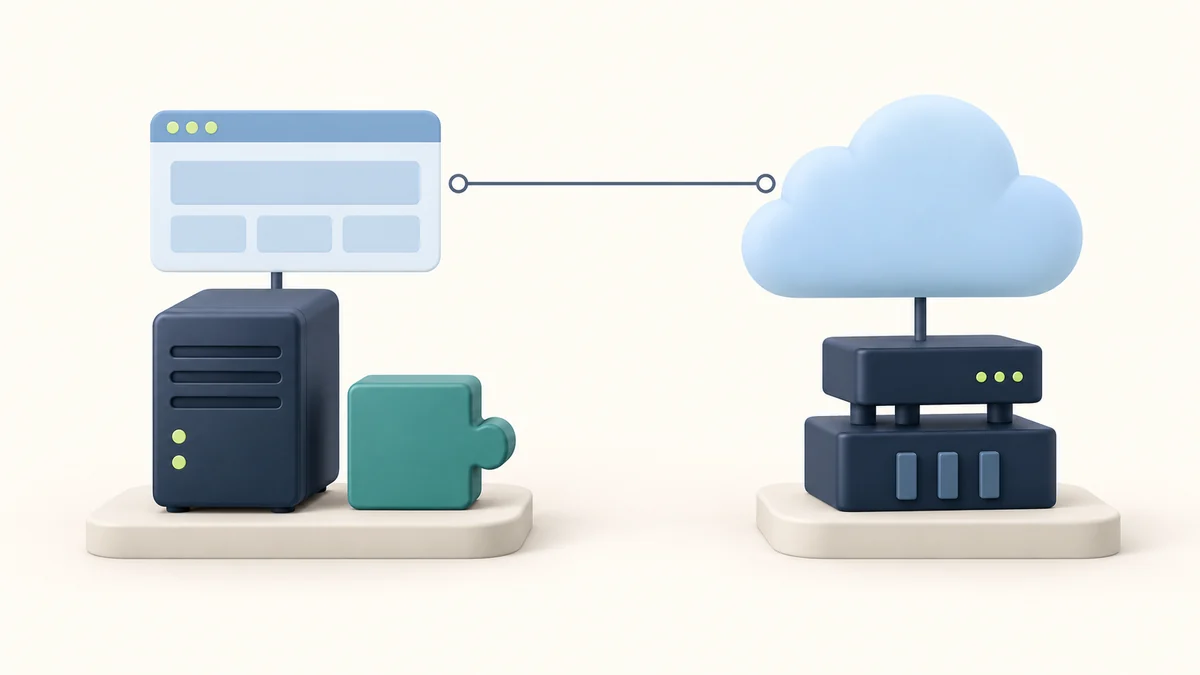
A premium plugin arrives as a ZIP file. You install it, find the feature you needed, and build it into your site. Then the dashboard asks for a license key. The download worked, but automatic updates, a template library or a hosted service may still require a separate account.
That gap explains much of the confusion around GPL WordPress plugins. A software license, a copy of the software and a developer's subscription can travel together in one purchase. They are still different things.
For a compliant GPL-covered copy, you receive freedoms to use, study, modify and redistribute the software under the license's conditions. A third-party download does not, by itself, establish entitlement to the original developer's update servers, support team or paid cloud services. It also does not establish who supplied the files or whether they were changed.
This guide separates those layers so you can choose affordable access without making assumptions about what the package includes. Start with the feature your project needs, identify where that feature runs, and then check who will maintain it. Those three questions are more useful than judging an offer by its GPL badge alone.
What are GPL WordPress plugins?
GPL stands for GNU General Public License. WordPress itself is released under GPLv2 or later. The WordPress project considers its plugins and themes derivative works that inherit the GPL, while its licensing page acknowledges legal grey areas around what constitutes a derivative work. Check the notices for the actual package rather than assuming every product labelled “for WordPress” has identical terms. WordPress licensing information explains that position.
The practical freedoms are straightforward:
- Use: run the covered software for your own project, including a commercial project.
- Study: examine the source to understand how it works.
- Modify: adapt the covered code to your needs.
- Share: redistribute original or modified copies, while meeting the applicable license conditions.
These are freedoms attached to the software, not a promise that somebody else will perform the work for you. You can hire a developer to make a change, for example, but the license does not include that developer's time. GNU's free software definition makes the distinction between user freedom and price clear.
Buying a copy does not transfer the copyright
The authors retain their copyright. The GPL grants permissions to recipients; it does not turn the program into ownerless material. Under GPLv2, redistribution carries requirements concerning license and copyright notices, modification notices where applicable, and corresponding source when distributing executable forms. The precise duties depend on the license and how you distribute the work. See the GPLv2 license text.
For an ordinary site owner, installing a plugin and running a resale business are therefore different tasks. Keeping a record of the package's license helps with both. If you later hand files to a client or redistribute a modified package, review the relevant obligations before doing so.
Private modification does not generally require publishing your changes to the world. GNU distinguishes internal use from distribution in its FAQ on private modifications.
Why GPL software can be sold
A developer can charge for a copy. A compliant redistributor can charge too. “Free software” describes freedoms, so it does not mean that every supplier must offer a free download. GNU's FAQ on selling GPL software confirms that commercial distribution is permitted.
An offer might charge for individual downloads, catalogue access or delivery services. The useful purchasing question is what that payment delivers. A lower-cost package can be valuable when its included files fit your project and you can maintain them. A developer subscription can be valuable when its account services save work or supply an essential feature. Neither conclusion follows from the price alone.
The package: rights, files and services
Imagine comparing two offers for the same plugin. Both mention GPL access, but one includes a developer account and the other supplies downloads through its own portal. Use this matrix to expose the differences before you compare their cost.
| Layer | What it means | What to establish for the offer |
|---|---|---|
| Software rights | Permissions attached to the covered code | Actual license, notices and any separately licensed components |
| Downloaded files | The package you can install today | Included plugin, add-ons, dependencies and disclosed changes |
| Local functionality | Features executed by the installed software | Whether your required workflow operates without a paid service |
| Developer account | Access managed by the original vendor | Whether an account and legitimate entitlement are included |
| Future delivery | A way to obtain subsequent releases | Supplier, delivery method, access period and exclusions |
| Hosted functionality | Work performed outside your server | Required subscription, API credentials, credits or other limits |
| Human support | Somebody helping resolve a problem | Provider, scope, response terms and responsibility for conflicts |
| Provenance | Evidence of where the package came from | Source, modification disclosure and available verification evidence |
Read each row separately. A seller can provide responsive installation help without providing original-developer support. A package can include substantial premium code without including a cloud entitlement. A valid redistribution license cannot authenticate a particular ZIP file.
The matrix also gives you a useful way to write requirements. Replace “I need the premium version” with “I need to create this form, receive its submissions and obtain maintained releases.” That statement is easier to verify in documentation and on a staging site.
For a team, keep the completed matrix with the project notes. Months later, the person handling an update should be able to find the supplier and maintenance route without reconstructing an old purchase.
Premium code and license keys are different layers
A license key is usually a credential within a vendor's product system. What it enables depends on that product. It may connect an installation to updates, support, downloadable content or a paid service. Treat the vendor's documentation as the authority on that behavior; a key field in the dashboard is not enough to identify it.
When researching a GPL license for premium WordPress plugins, separate three things: the covered code, the installed feature's behavior and the entitlement checked by the vendor. Inspect the workflow you intend to use rather than relying on a broad claim such as “premium features included.”
Local features can be useful without a hosted service
Consider an illustrative plugin that calculates a result from information already stored on your server. If the relevant code is included and can operate in your environment, the calculation may not need a remote account. A third-party distribution could fit that use case.
Now add a requirement that the result must be sent through a paid messaging platform. The local calculation and message delivery have different dependencies. Even if the plugin's integration code is present, access to the messaging service still needs its own arrangement.
This distinction helps you avoid paying for a service you do not need, and helps you budget for one you do. Write the requirement as an observable action: “The visitor submits the form, the record is saved, and the confirmation reaches the inbox.” Then identify which part of that action belongs to the plugin, your hosting and an external provider.
Elementor: plan for subscription-dependent behavior
Elementor's renewal guidance shows why blanket claims about expired premium access are unreliable. Its expiry documentation says that non-renewal removes access to Pro updates and new Pro features and can limit access to existing Pro features. An installed copy should therefore not be treated as a promise that every premium editing function remains available indefinitely. Check the current, feature-specific requirements for your project. Elementor's subscription expiry guidance provides the relevant reference.
For a page-builder project, separate the published page from the ability to edit and expand it later. A client who expects routine layout changes needs a maintenance arrangement that covers the editing workflow, not simply an initial download. The Elementor-specific GPL and nulled comparison explores that narrower product decision.
Wordfence: a changed interface cannot supply a cloud entitlement
Wordfence makes an even clearer distinction. The company states that its paid Premium services are supplied from its cloud servers and require a paid key purchased from Wordfence. Changing a local interface to display “Premium” does not provide those services. Wordfence's genuine-product guidance explains the dependency.
The lesson extends beyond security plugins: verify the source of the benefit. If you need a particular feed, hosted processing function or account-backed service, establish the entitlement to that service directly. A feature name appearing in a dashboard is weaker evidence than the service provider confirming access. For the product's broader role, see the Wordfence Premium review.
Updates: owning a copy and maintaining a site
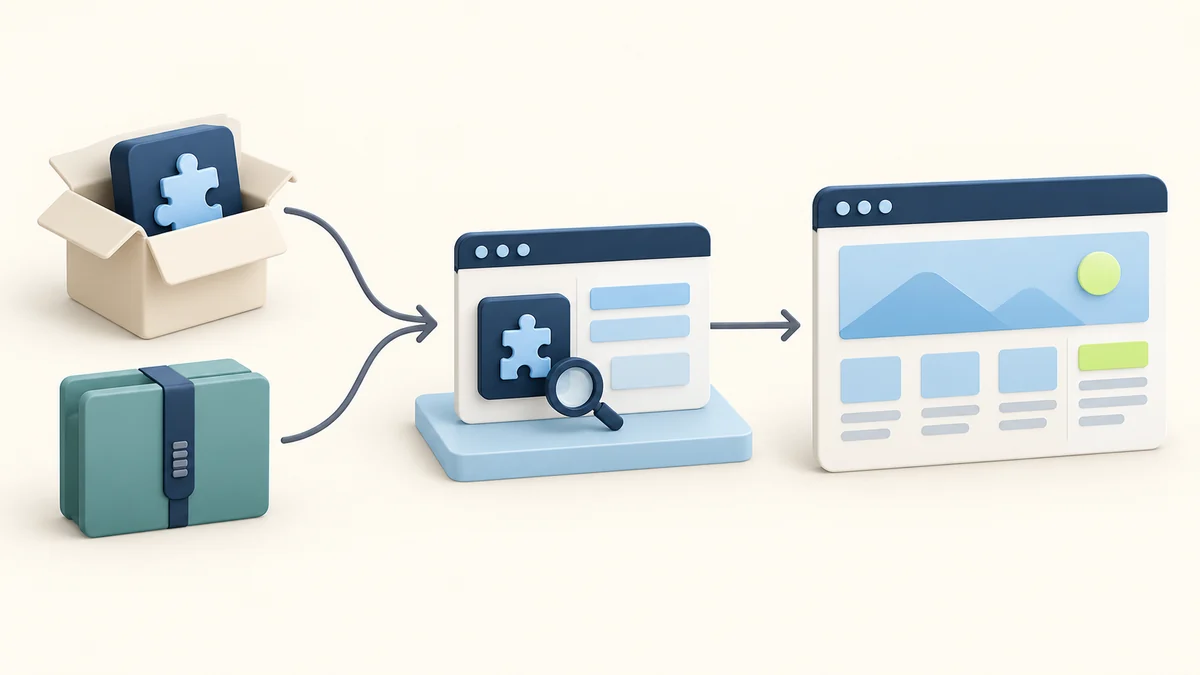
The package you receive today is only one point in a site's life. WordPress, PHP, your theme and other plugins continue to change around it. A useful purchase decision includes a route for future maintenance.
Write down three separate steps:
- Obtaining the release: who makes a maintained package available to you?
- Delivering it: how does that package reach the installation?
- Validating the result: who confirms that the site's important workflows still work?
An automatic updater addresses delivery. It does not replace the other two steps. A manual download can also be workable when somebody owns the process and has time to follow it. Choose the arrangement you can operate consistently.
Read update promises as service terms
“Updates included” needs a second sentence. Does the offer mean access to downloads during an active membership, delivery through a separate updater, or access tied to a particular purchase? Are add-ons covered? What happens when access ends? Record the current product and plan terms rather than extrapolating from a catalogue-wide headline.
A source-code license does not oblige a supplier to send you every future release forever. That future delivery is a service promise you need to evaluate on its own. Avoid building a project around a “lifetime” phrase unless the actual terms explain what lifetime means and which service it covers.
Give important workflows their own checks
For a booking site, the maintenance check should include making a booking. For a shop, it should include the applicable purchase flow. For a lead-generation site, it should include submitting and receiving a lead. A plugin activating successfully is only the beginning of those checks.
Use a staging environment where practical, and prepare a recovery route before replacing an important component. WordPress's update documentation recommends backups before updating. The WP STAGING Pro review and UpdraftPlus Premium review are relevant continuations for planning staging and recovery.
The best maintenance route is one that survives a change of personnel. Keep enough notes for another person to obtain the right package, understand its dependencies and repeat the key checks.
Support: identify the person responsible
Suppose an update breaks a layout. A distributor may help install a replacement package, while the original developer may be better placed to investigate a product bug. Your agency may own the theme customization that caused the conflict. These are different support jobs.
Before buying, identify which provider will handle the problem you are least equipped to solve. “Support included” should lead to a stated scope: installation help, troubleshooting, developer escalation, custom-code work or something else. Do not assume a third-party purchase establishes a customer relationship with the original author.
For a simple personal project, documentation and your own maintenance skills might be enough. For a client site with a deadline, access to the developer's team may justify an official subscription even when the software can be obtained elsewhere. The deciding factor is the unresolved responsibility, not a judgment that every project needs the same support package.
Put that responsibility in the handover. If the client expects the site to remain maintained, name the account holder, who pays for future services and who applies updates. A vague promise to “include the plugin” leaves all three questions open.
GPL WordPress themes explained: examine the whole design package
A theme purchase often bundles more than the code that renders your site. It can include templates, fonts, photographs, demo data and connections to a library hosted by the author. Check the license notices for those components and the terms for any separate service.
The WordPress.org theme directory requires GPL-compatible licensing for its submitted themes, including their bundled resources. That directory requirement is a useful reference, but it is not proof of the contents or licensing of an unrelated marketplace download. See the WordPress theme review requirements.
For an illustrative portfolio project, a theme's layout might be the attraction while the demo photographs are unnecessary. Replacing those images with your own work removes a dependency from the design. For a project built around a particular downloadable template collection, the library's access terms matter much more.
Create a short asset list before committing to a demo design:
- Which layouts are actually included in the supplied package?
- Which images, fonts and icons will appear on the finished site?
- Where are their license and attribution notices?
- Which resources require a separate account or future download?
Also distinguish software permissions from branding permission. The GPL does not mean that a marketplace is affiliated with the original developer. WordPress itself maintains a separate trademark policy, illustrating why a software license and a brand policy answer different questions.
The theme you choose should leave you with an achievable design, not merely an attractive preview. Confirm the necessary components before promising a client the exact demo appearance.
GPL, nulled and provenance: ask what happened to the files
GPL describes licensing. In marketplace discussions, “nulled” commonly describes software altered to remove or bypass licensing behavior. Sellers do not use the term consistently, so ask for an explanation of the actual changes instead of treating the label as a complete technical report.
Modification alone is not evidence of malware or a universal legal violation. The GPL permits modifications under its terms. A disclosed change can still matter operationally: it might affect updates, external requests or compatibility. An undisclosed change leaves you with less information for troubleshooting.
Likewise, an “untouched” claim needs supporting provenance. Who supplied the archive? What evidence supports the claim? Are the package identity and license notices consistent? If a trustworthy reference package is available, comparison can help reveal differences. It does not automatically explain their purpose or prove that every file is safe.
Keep this assessment proportionate to the project. A disposable local prototype and a live client shop have different consequences if a component fails. In both cases, record what you know and what remains uncertain. Confidence should come from identifiable evidence, useful documentation and a maintainable delivery route, rather than a badge that combines licensing and security into one claim.
Authentic files still need security maintenance
A package can match the developer's original files and still contain a known upstream vulnerability. Authenticity answers where the files came from; security maintenance asks whether an issue affects the installed software and what action addresses it.
When reviewing an advisory, match the actual product identity and installed release to its affected ranges. Similar names or a seller's “latest” label are not enough. Look for the stated fix or mitigation and obtain it through your maintenance route. Patchstack's public vulnerability database is one resource for this research; absence of a listed issue does not establish that a package is secure.
Use scans and staging checks for their specific purposes. Wordfence's documented scan options describe checks for known malicious signatures and suspicious patterns, with scope that depends on settings. A staging test shows whether a workflow operates in that environment. These checks cannot establish that every vulnerability or harmful change is absent. Keep package verification and maintained updates separate, and assign somebody to follow relevant advisories after installation.
Three project decisions, using the same matrix
The following examples are illustrative planning scenarios, not reports of plugin tests or customer results.
A freelancer exploring a new site design
The freelancer wants to compare layouts and test a local workflow before committing to a client build. There is no need for a paid cloud feature during this exploration. The priorities are usable files, clear license notices and an environment where experiments can be discarded.
Third-party GPL access could be a practical way to evaluate available code, provided the package and terms meet those needs. Before adopting it for production, the freelancer should revisit updates, premium editing dependencies and handover. A choice suitable for exploration is not automatically a complete maintenance arrangement.
The decision record can be brief: “Suitable for this prototype; production delivery requires a confirmed update route and the client's required account services.” That sentence preserves the useful outcome without overstating what was purchased.
An agency delivering a lead-generation site
The agency needs more than a form on a page. Submissions must be stored or routed appropriately, notifications must reach the client, and somebody must troubleshoot failures after handover.
Start by mapping each dependency. If the form's local functions are supplied in the package, evaluate those separately from email delivery or a CRM service. Then assign ownership of the credentials and support relationship. The client should know which subscriptions are recurring and which provider to contact.
An official developer plan might be the right choice where direct support or account-backed functionality is central. A third-party distribution could fit a different arrangement in which the agency provides maintenance and the necessary independent services. The agency needs to price the responsibility it accepts, not just the download.
A shop choosing a security component
The shop owner specifically needs a paid threat-information service and assumes a premium-labelled plugin will supply it. The Wordfence example shows why the entitlement must be verified with the service provider.
The decision should begin with that dependency: obtain the required legitimate service access, then choose and maintain the compatible software. If the owner instead chooses a free service level, document that actual scope. Do not describe it as receiving a paid feed merely because a local screen displays a premium label.
Here, a lower download cost cannot substitute for the required service. In another project, locally executed code may be the entire requirement. Applying the same matrix makes both decisions clearer.
A checklist before you buy or install
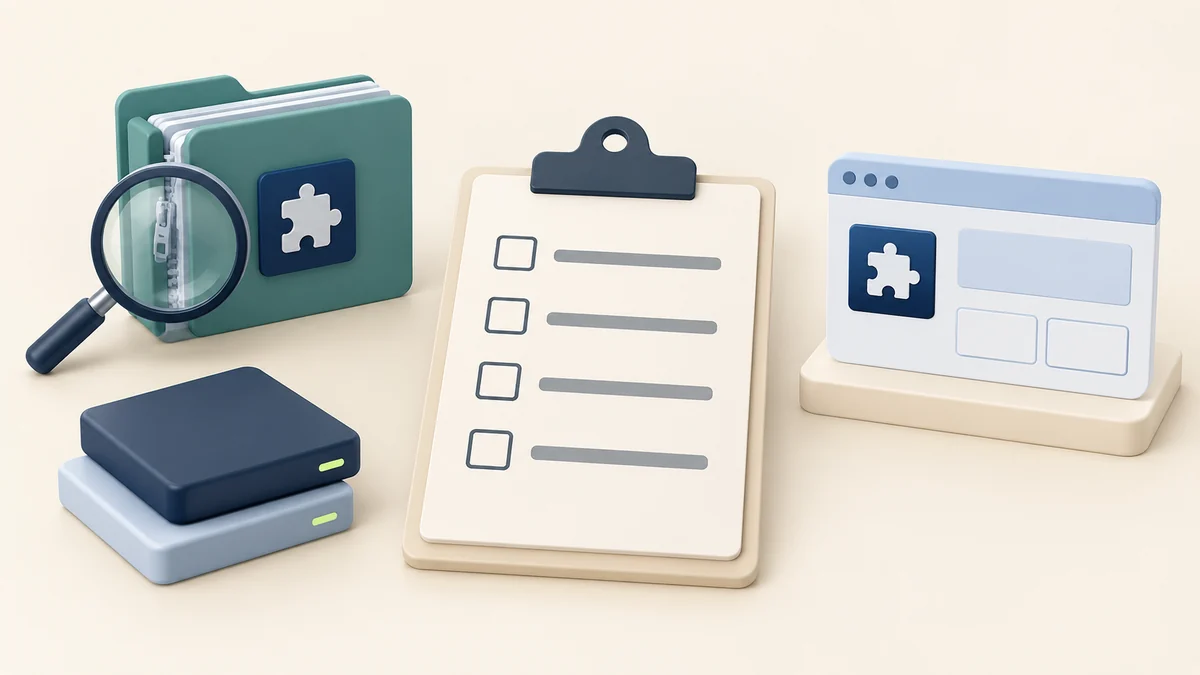
Use this checklist to turn a general offer into a specific project choice. It is an orientation checklist; detailed inspection and update procedures deserve their own treatment.
- Name the required outcome. Write the action the plugin or theme must support. “Build and edit the client's enquiry pages” is clearer than “get Pro.”
- Read the package's license. Check actual notices, included components and any separate asset terms. Preserve them with your project records.
- Identify the delivery. Establish what ZIP files and add-ons are included, who supplies them and whether changes are disclosed.
- Map external dependencies. List developer accounts, API keys, hosted features and downloadable libraries needed for the outcome.
- Confirm future access. Record how maintained releases will arrive, for how long the supplier promises delivery and what renewal affects.
- Assign support. Name the person or provider responsible for installation problems, product bugs and custom integration work.
- Check operational fit. Review the documented requirements and test the project's important workflows in an appropriate environment before relying on them.
- Prepare the handover. Keep supplier details, service terms, recovery notes and account ownership where the next maintainer can find them.
If a key answer is missing, resolve that dependency before making it part of a client promise. You can still assess unrelated capabilities while doing so. A complete decision does not require the most expensive arrangement; it requires a credible path from the files you receive to the outcome you need.
Questions that arise after the purchase
Does using a GPL plugin make my website content GPL?
Your own articles and photographs do not become GPL merely because a GPL program processes them. GNU distinguishes a program from its output, while noting that output containing material copied from the program can raise different questions. Check copied templates and bundled assets separately. GNU's explanation of program output covers that distinction.
Can a client keep the software when an agency contract ends?
For a GPL-covered copy properly supplied to the client, software permissions and agency services are separate matters. The handover should explain which accounts, updates and support arrangements continue, expire or need replacement. Avoid treating a canceled maintenance contract as proof that the underlying software rights disappear.
What if the distributor stops offering downloads?
Keep records of the package and investigate another legitimate maintenance route. Continued possession of an archive does not make it maintained. Review whether the original developer can supply a suitable plan, whether another source meets your requirements, or whether replacing the component is the more workable choice.
Make the offer answer your project requirements
GPL WordPress plugins can provide useful, affordable access to substantial software. Their value is clearest when you understand the covered rights, the files supplied and the services required by your workflow.
Complete the matrix before comparing offers. Choose the arrangement that provides your needed functionality and leaves a named person responsible for maintenance. If you are ready to explore options, use the WPPerks deals catalogue as a starting point, then check the current terms for the specific package and any separate services your site needs.