UpdraftPlus Premium Review: Backup and Restore Explained
An independent UpdraftPlus Premium review covering schedules, remote storage, restores, migrations, limitations and GPL access.
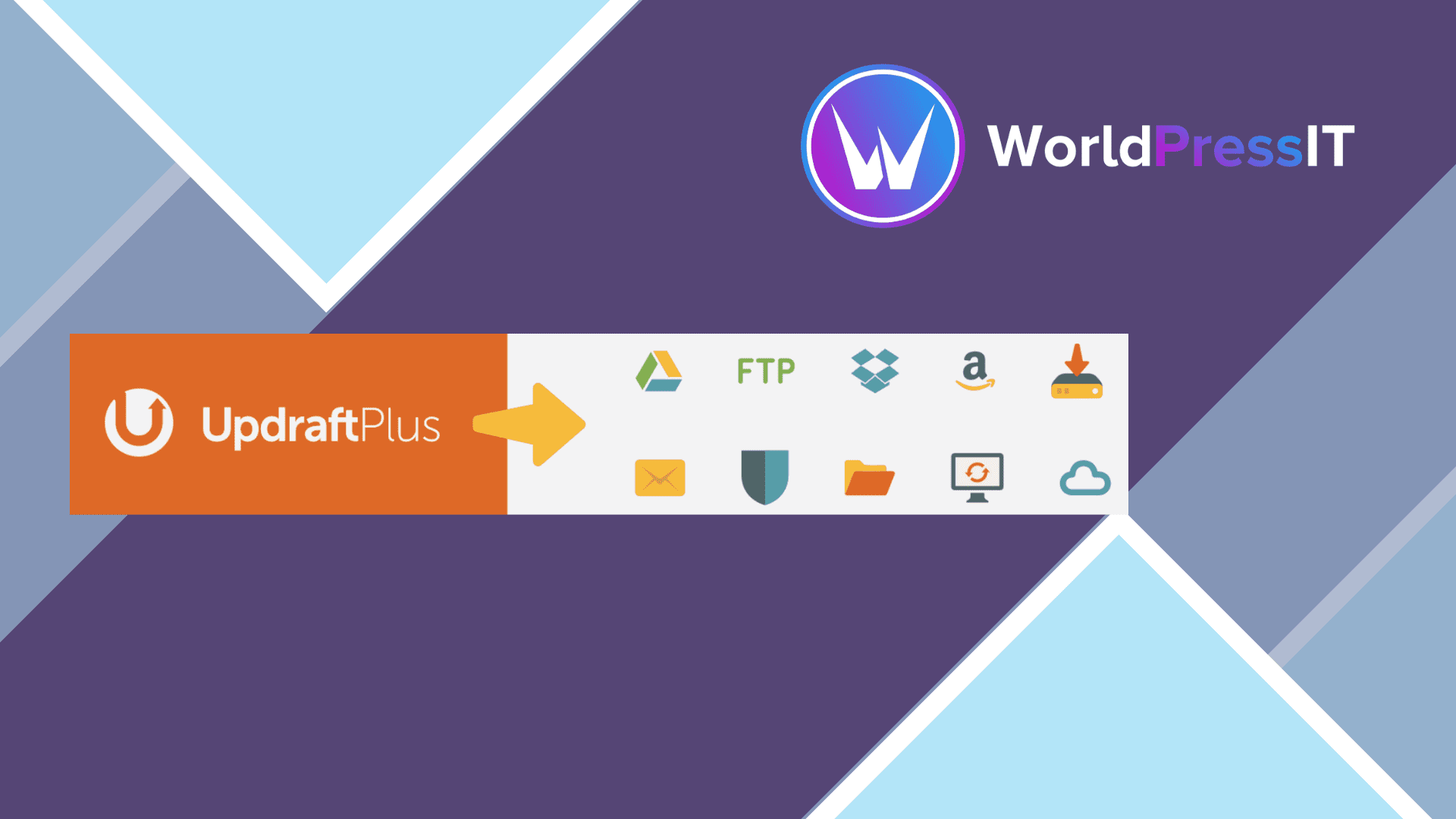
What this guide covers
A backup is useful only when it can be found and restored under pressure. This UpdraftPlus Premium guide focuses on recoverability, scheduling and a realistic maintenance routine.
A reliable workflow defines what is backed up, where copies are stored, how long they are retained and who performs a test restore
updraftplus premium
$4.99
See vendor
Features that matter in practice
Scheduled backups
Separate file and database schedules can reflect how frequently content and uploads change.
Remote destinations
Off-site storage protects against failures that affect the web server and its local copies.
Restore workflow
A guided restore is useful, but it still needs a rehearsal before an emergency.
Migration tools
Cloning and migration can simplify moves when URLs, caches and environment differences are checked afterward.
A backup plan begins with a restore target
For UpdraftPlus Premium, the first question is not how frequently to create a ZIP. It is where the site will be restored when the current server disappears. Choose off-site storage you control, keep credentials outside the WordPress dashboard and document who can reach the copies. File uploads and database tables can change at different rates; a shop taking orders hourly needs a different schedule from a brochure site edited monthly.
Separate the recovery point from the recovery time. A nightly backup can lose a day of orders; a copy stored on a slow destination may take hours to download. Write down what each would mean for your business before choosing schedules and retention. Check that the destination contains both the database and the files, and that storage warnings reach someone who will act on them.
Pro tools worth testing
UpdraftPlus advertises incremental backups and backup-before-update options among its premium capabilities. These are useful when a full upload is expensive, but they introduce a chain of backup sets that should be tested together. Restore a non-production copy onto a separate installation and inspect media, logins, permalinks and a sample of recent content. A green completion message on the production dashboard is not proof of recoverability.
When migrating, record the source and destination URLs, PHP versions and any caching or security plugins. After a move, check that scheduled jobs still run and mail still arrives. The plugin can move data; it cannot reconcile different server configuration or rewrite a business process for you.
The buying decision
Compare it with the host's backup service on independence, restore granularity and retention rather than just the number of settings. Host snapshots may restore quickly but disappear when the hosting account is lost. A second off-site copy improves resilience. Vendor-managed storage and automatic vendor updates may require an account or separate subscription; verify the exact services included with whichever licence route you choose.
A practical acceptance check
Choose retention based on how often data changes. Verify that a second administrator can access the remote copies. Restore both files and database to an isolated site. Confirm that recently uploaded images and recent orders match the chosen recovery point.
Sources
Why should you choose UpdraftPlus Premium GPL?
UpdraftPlus Premium is a practical choice when scheduled remote backups and a familiar restore workflow justify a dedicated tool.
Rankings and speed are never guaranteed; results depend on your site, content, hosting and competition.
Before you install UpdraftPlus Premium
- Create a full backup or staging copy before installation.
- Check the current WordPress and PHP requirements.
- Install only files from a source you trust.
- Test the main pages, forms and checkout after activation.
- Plan how you will receive and apply future updates.
The bottom line
UpdraftPlus Premium is a practical choice when scheduled remote backups and a familiar restore workflow justify a dedicated tool.