Yoast SEO Premium Review: Is It Worth Paying For?
See what Yoast SEO Premium adds over the free plugin: redirects, internal linking, multiple keyphrases, support, price and GPL options.
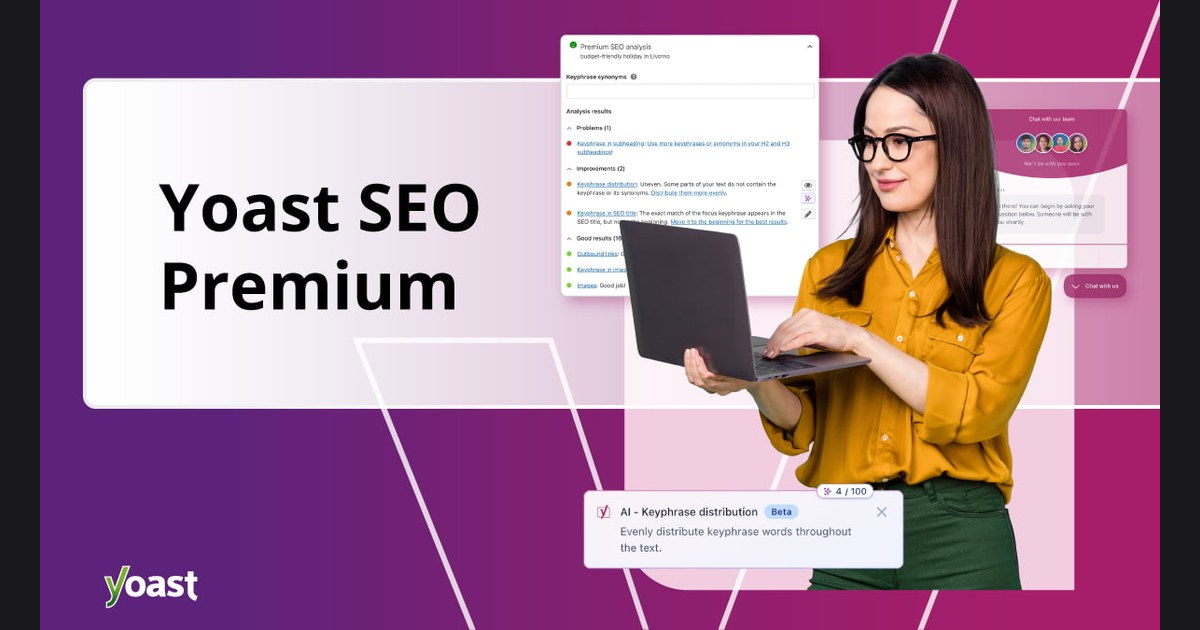
What this guide covers
Yoast SEO Premium extends the familiar free plugin with workflow tools rather than a promise of automatic rankings. Its value depends on whether redirects, internal-link suggestions and content checks save you enough time.
Yoast SEO is the most installed SEO plugin for WordPress. The Premium add-on unlocks advanced tools that help your content rank: multiple focus keyphrases, synonyms, automatic redirects and smart internal linking.
It is used by bloggers, online stores and agencies. The catch is the price: the official licence is billed per site, every year.
yoast seo premium
$5.99
$99/year
Features that matter in practice
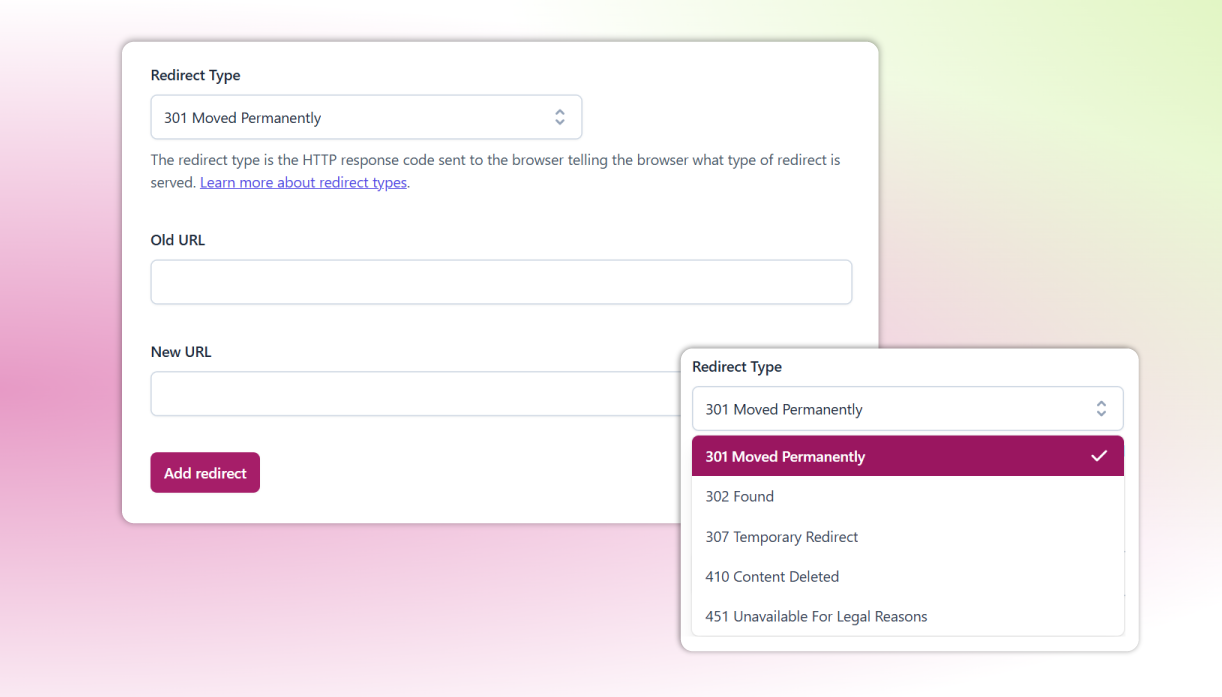
Redirect manager
Automatically create redirects when you delete or move pages — no more 404 errors.
Internal linking suggestions
Get relevant posts to link to while you write, boosting site structure.
Multiple keyphrases & synonyms
Optimise a page for several related search terms and word forms.
Social previews
See and edit how posts will look when shared on Facebook and X.
Why should you choose Yoast SEO Premium GPL?
Premium is most useful for editors managing many pages, redirects and internal links. A small site that only needs titles, sitemaps and basic analysis may be well served by the free version.
Rankings and speed are never guaranteed; results depend on your site, content, hosting and competition.
Before you install Yoast SEO Premium
- Create a full backup or staging copy before installation.
- Check the current WordPress and PHP requirements.
- Install only files from a source you trust.
- Test the main pages, forms and checkout after activation.
- Plan how you will receive and apply future updates.
The bottom line
Premium is most useful for editors managing many pages, redirects and internal links. A small site that only needs titles, sitemaps and basic analysis may be well served by the free version.