Elementor Pro Nulled vs GPL: What Is the Safe Choice?
Compare Elementor Pro nulled, GPL and official versions. Learn the real differences in safety, updates, support and price before you download.
What this guide covers
A search for a cheap Elementor Pro download often leads to “nulled” files. The low price is tempting, but nulled and GPL are not the same thing. This guide explains the difference plainly so you can choose the right licence for a real website.
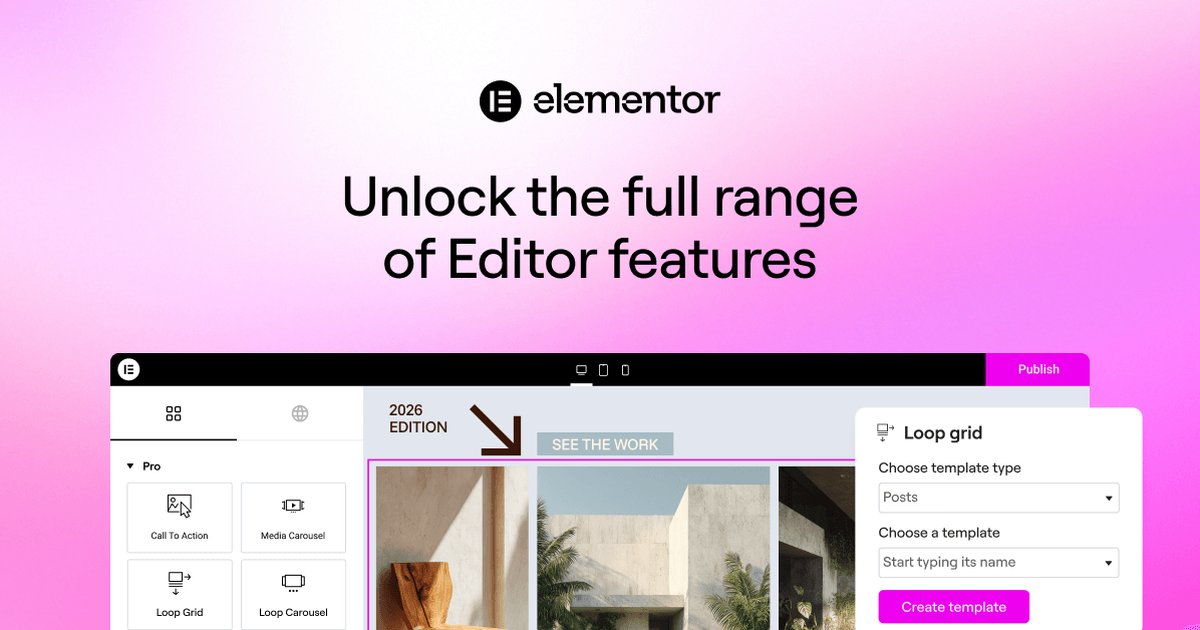
Elementor Pro is the premium add-on for Elementor, the most popular drag-and-drop page builder for WordPress. The free version lets you design individual pages; Elementor Pro unlocks the whole website — headers, footers, blog templates, forms, popups and online store pages — all edited visually, without code.
A search for a cheap Elementor Pro download often leads to “nulled” files. The low price is tempting, but nulled and GPL are not the same thing. This guide explains the difference plainly so you can choose the right licence for a real website.
elementor pro nulled
$7.99
~$59/year
Features that matter in practice
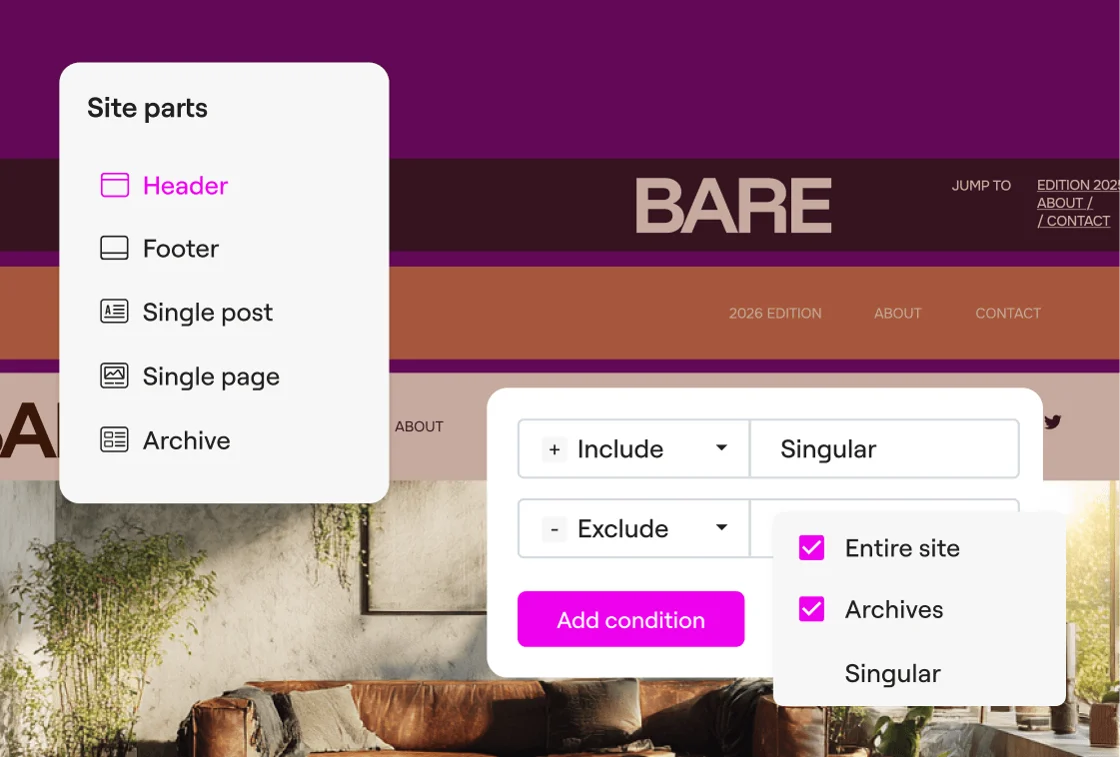
Theme Builder
Design headers, footers, single post templates, archives and 404 pages visually, then apply them site-wide with display conditions.
Form Builder
Build contact, lead and multi-step forms with integrations for email marketing tools, webhooks and CRMs — no extra form plugin needed.
Popup Builder
Create newsletter popups, promo banners and exit-intent offers with advanced triggers and targeting rules.
WooCommerce Builder
Customise product pages, shop archives, cart and checkout with dedicated WooCommerce widgets.
Why should you choose Elementor Pro GPL?
Choose the official licence when you need Elementor support, cloud services and automatic updates. Choose an original GPL copy when budget matters and you can manage manual updates. Avoid nulled files.
Rankings and speed are never guaranteed; results depend on your site, content, hosting and competition.
Before you install Elementor Pro
- Create a full backup or staging copy before installation.
- Check the current WordPress and PHP requirements.
- Install only files from a source you trust.
- Test the main pages, forms and checkout after activation.
- Plan how you will receive and apply future updates.
The bottom line
Choose the official licence when you need Elementor support, cloud services and automatic updates. Choose an original GPL copy when budget matters and you can manage manual updates. Avoid nulled files.