
Do GPL WordPress Plugins Get Updates and Support?
Find out who supplies GPL plugin updates, how delivery works and what support includes. Separate local activation, account access and cloud services before choosing an offer.
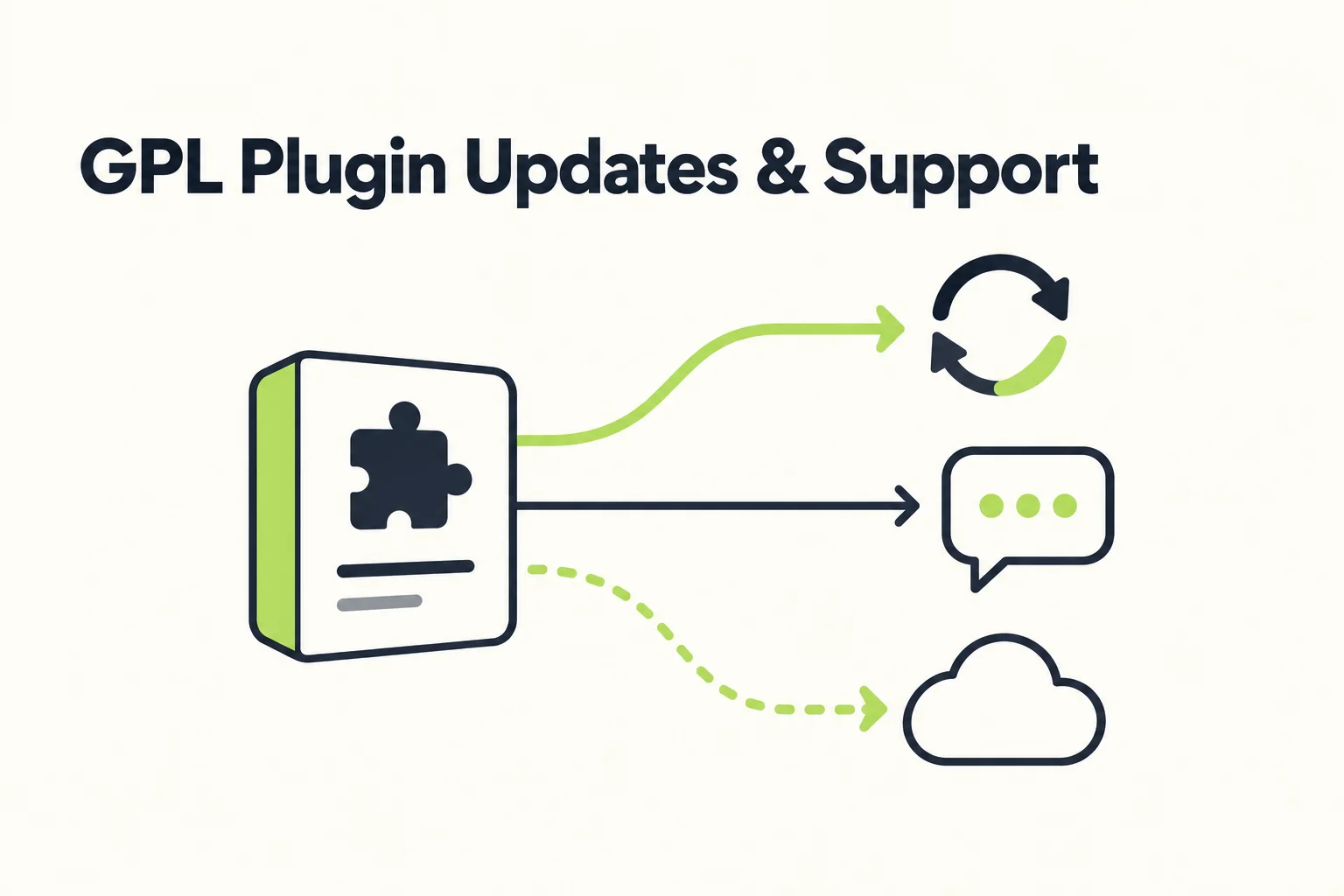
Yes, GPL WordPress plugins can receive updates and support. The important detail is who supplies them and under what terms. A plugin from the WordPress directory, a subscription bought from its developer and a ZIP downloaded from a third-party supplier can have different maintenance arrangements even when the code is GPL-covered.
The GPL does not turn a downloaded file into a subscription to the original developer's services. Equally, a third-party package does not necessarily mean updating everything by hand: a supplier may offer refreshed downloads or its own updater. Check the actual delivery method rather than drawing conclusions from the GPL label.
Before buying, check four things about GPL plugin updates and support: where the next release comes from, how it reaches your site, who handles technical problems and which features need an external account. Once those answers are clear, you can judge whether affordable third-party access fits the work you intend to do.
A download and an update channel answer different questions
Imagine receiving the plugin you need today, then returning to the site months later to apply a compatibility fix. Having the first ZIP answers neither where you will get the new files nor whether somebody will troubleshoot a failed update.
GNU's free software definition describes freedoms to run, study, change and share covered software. Those freedoms do not constitute a maintenance agreement with a particular supplier. For the wider package-versus-services distinction, see our guide to GPL WordPress plugins.
Keep three records separate: the files already supplied, the right to obtain future releases through an account and the human help included with that account. An offer can be strong in one area without including the others. A low-cost download can still be useful when you already have the skills and update route needed to maintain it.
Do GPL WordPress plugins get updates automatically?
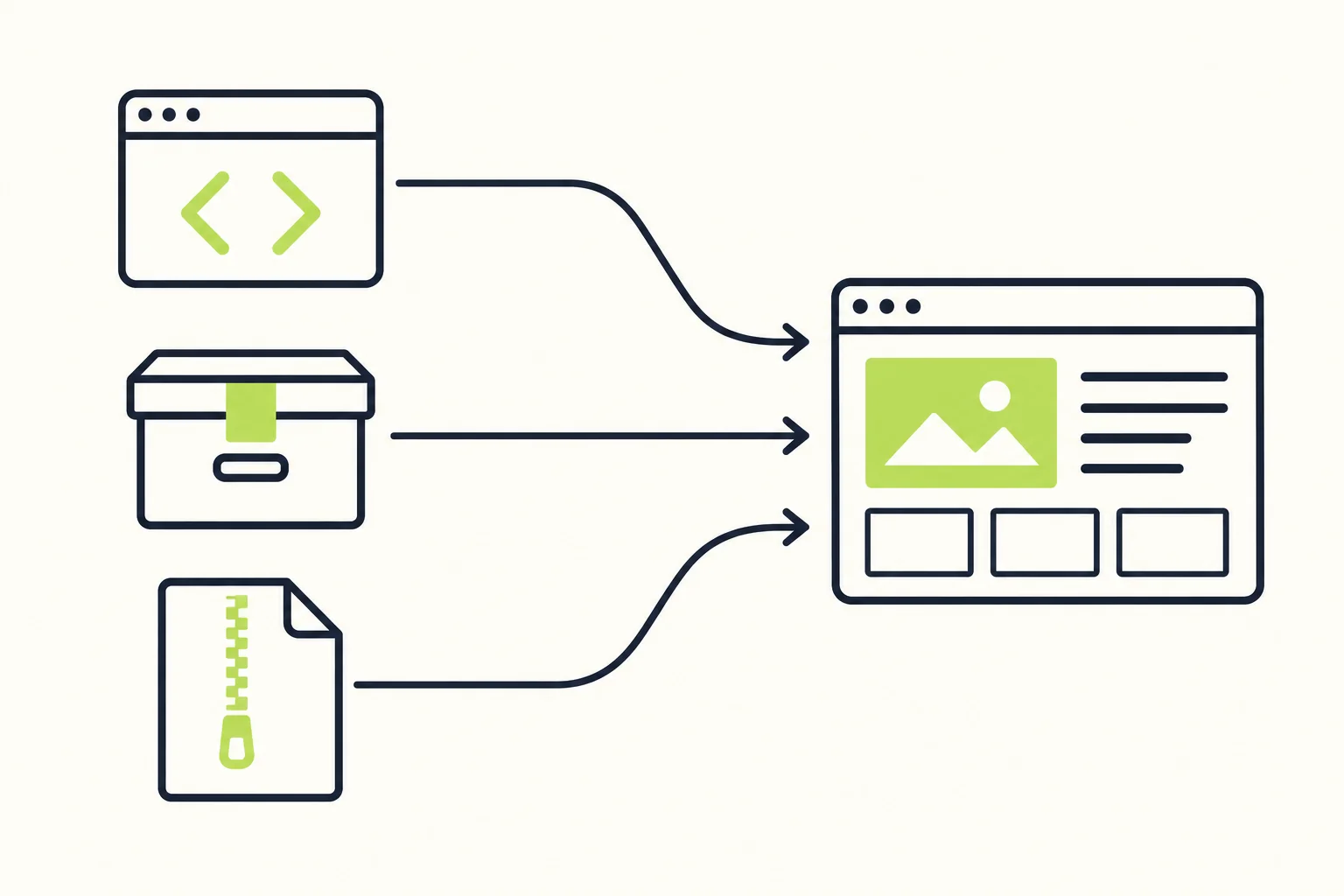
They can, but automatic delivery needs a working source. WordPress's automatic-update controls let administrators opt in for individual plugins. Turning on that setting does not create access to an unavailable premium download or supply credentials for a developer account.
| Update route | Where the files come from | What you need to establish |
|---|---|---|
| WordPress directory | The plugin's distribution through WordPress.org | Whether the required feature is in that directory package rather than a separate paid add-on |
| Original developer | The vendor's download and update system | Applicable plan, account connection, supported sites and access period |
| Supplier-managed delivery | A third party's catalogue, updater or download portal | Product coverage, release availability, authentication, limits and access duration |
| Manual ZIP replacement | An updated package obtained through an available source | Who supplies each release, who installs it and how the site will be checked afterward |
These routes describe delivery, not a ranking of file quality. A dashboard notification alone does not tell you who maintains the package. Read the updater's documentation and identify the account to which it connects.
A quiet dashboard is not proof that an externally supplied plugin is current. The official WordPress Plugins screen documentation explains that external packages need their own update mechanism for notifications. If that mechanism is missing, check the release information at the source instead of waiting for an alert that may never appear.
A supplier updater has its own conditions
An updater supplied by a marketplace can bring its available packages into the familiar WordPress update workflow. For example, GPL Times documents its own updater. That establishes a delivery option for that service; it does not establish that every third-party offer has equivalent coverage or terms.
Ask whether your particular plugin is supported, whether account access must remain active and how you learn that a release is available. Also ask what happens if the updater cannot retrieve a package. A refreshed ZIP in a download portal and an unattended update on your website are different outcomes.
Manual updates need an owner
Manual delivery can be perfectly workable for a small, maintained site. The missing ingredient is often responsibility: who checks for a new release, obtains it and schedules the update?
Before replacing files, keep a recoverable backup and read the product's update instructions. WordPress supports an upload-and-replace flow for an existing plugin; its installer documentation includes the replacement action and backup reminder. Follow any product-specific migration requirements, then check the workflow that the plugin supports. Replacing files is only one part of a successful update.
For the source and integrity checks that belong before installation, use our GPL plugin safety guide. Here, the maintenance question is whether the same verification and installation work will happen again for subsequent releases.
GPL WordPress plugin license activation: which layer is involved?
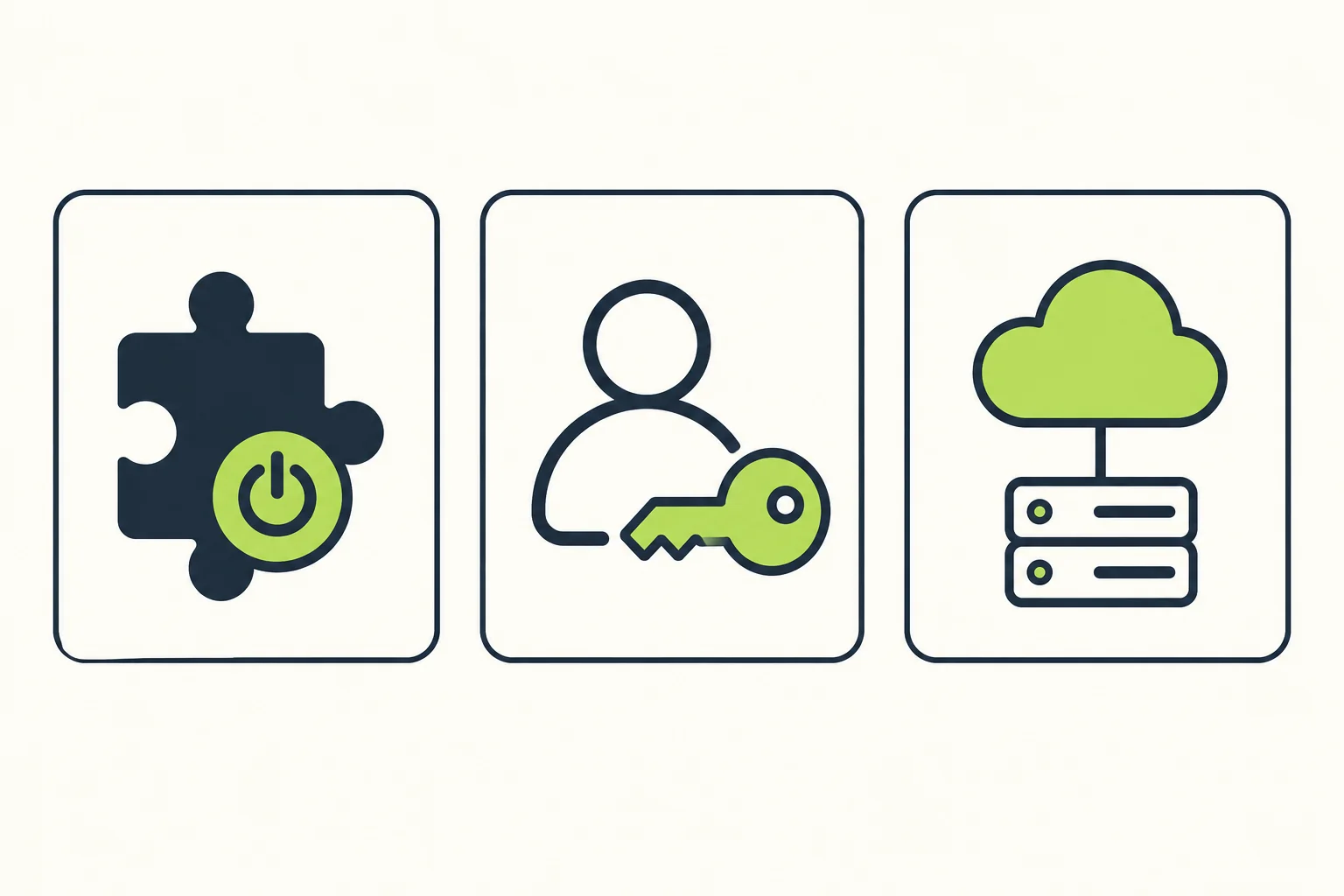
“Activate” can refer to several different actions. WordPress activation enables an installed plugin. Connecting a license key or vendor account can establish access to the developer's update system, support or other product features. An API connection can authorize a separate hosted service.
Those actions sometimes appear close together in the interface, which makes them easy to confuse. A plugin marked active in WordPress does not establish that its premium update account is connected. A successful update does not establish that a cloud feature has the subscription or credentials it requires.
Identify the result you need instead of looking for a universal “GPL activation” procedure. Is the task enabling the installed plugin, downloading a maintained release or authorizing a remote service? Use the product's own documentation for the corresponding step. A key issued for a supplier's updater belongs to that supplier's system; do not assume it is interchangeable with the original developer's key.
For example, Elementor documents connecting its account after installing and activating the plugin in WordPress. That is a useful distinction even when another product implements its account connection differently.
Who provides developer support for GPL WordPress plugins?
Developer support comes from the original product team under its current support terms. Buying a third-party copy does not, by itself, establish a customer relationship with that team. A supplier may provide useful assistance, but its scope needs to be stated separately.
Distinguish account and delivery help from product troubleshooting. Fixing a download link, explaining an updater connection and correcting an invoice are different jobs from diagnosing an interaction between a form plugin, an email service and custom code. A supplier may offer some of that broader help; ask before relying on it.
Describe a real task when you ask about support: “If submissions save correctly but the external integration fails, will your team investigate that workflow?” This produces a more useful answer than “Is support included?” Clarify whether the provider handles configuration, conflicts, custom development or only the supplied download.
Public documentation remains useful even when private support is unavailable. It can explain expected behavior and help you collect the information needed for a support request. It does not imply that the developer will accept that request under a third-party purchase.
Before handing over a client site, identify a person who can investigate a problem when it crosses those boundaries. That might be your agency, an independent developer or a paid support service. The cost and availability of that help belong in the purchasing decision alongside the download price.
Cloud features and expiry need a product-specific answer
Some functionality runs in the installed code; other functionality depends on infrastructure outside your hosting account. A premium interface or an installed integration is therefore incomplete evidence of access to the service behind it.
Wordfence provides a concrete example. Its guidance on genuine Wordfence distinguishes the downloadable software from premium services delivered through its infrastructure and a qualifying key. An archive labelled “Premium” does not establish entitlement to those feeds. Our Wordfence Premium review covers the product decision in more detail.
Subscription expiry also requires a specific answer. Elementor's current renewal guide states that Pro features stop when the subscription expires until renewal or connection of a new license. That is sufficient reason not to promise that every premium feature will remain available indefinitely after one download. It is not a prediction that every existing page disappears or that all plugins behave the same way.
For your required feature, check what remains available, what needs an active entitlement and what happens when that entitlement ends. Ask separately about editing, existing output, future updates and remote processing. “The site stays online” is too broad an answer if the feature you need can no longer perform its job.
When an update does not arrive, locate the missing step
A stale installation does not immediately identify the cause. Check whether an upstream release exists, whether your chosen supplier has it and whether your site can obtain it through the configured channel.
| What you observe | What to check next |
|---|---|
| No new package appears in the supplier's library | Compare the developer's release information with the supplier's available download; ask about product coverage and availability |
| The package is available but the dashboard offers nothing | Check which updater serves that plugin, its account connection and the provider's troubleshooting instructions |
| An update is listed but the download fails | Read the actual error, check access status and consult the delivery provider before changing the site |
| Installation succeeds but a connected feature fails | Check that feature's service credentials, entitlement and compatibility requirements; an update is not proof of service access |
WordPress's plugin management guide covers dashboard updates, compatibility information and backup precautions. Combine that guidance with the delivery provider's instructions rather than switching sources repeatedly without understanding the failure.
If the cause remains unclear, record the message, affected plugin and update source for the person investigating it. Describe what happened and what you expected. That gives support something actionable without assuming that the GPL license caused the problem.
Choose the arrangement around the work you need
Consider two hypothetical projects. A small brochure site uses a plugin feature that runs locally. Its maintainer is comfortable obtaining updated ZIPs, reviewing release information and testing the site. A clearly documented third-party supply route may fit that project, provided the required functionality and maintenance arrangements are understood.
Now consider a client site whose daily work depends on a vendor-hosted service and help from the product team. The plugin files alone cannot satisfy those requirements. A plan that explicitly includes the required service and support is the relevant comparison, even if another source can supply the installable package for less.
Neither example makes one purchase route right for every site. The useful distinction is the work and service access included. An apparently inexpensive package can be a practical choice when its boundaries match your requirements; a developer subscription can save time or supply something essential when they do not.
Leave a maintenance record somebody else can use
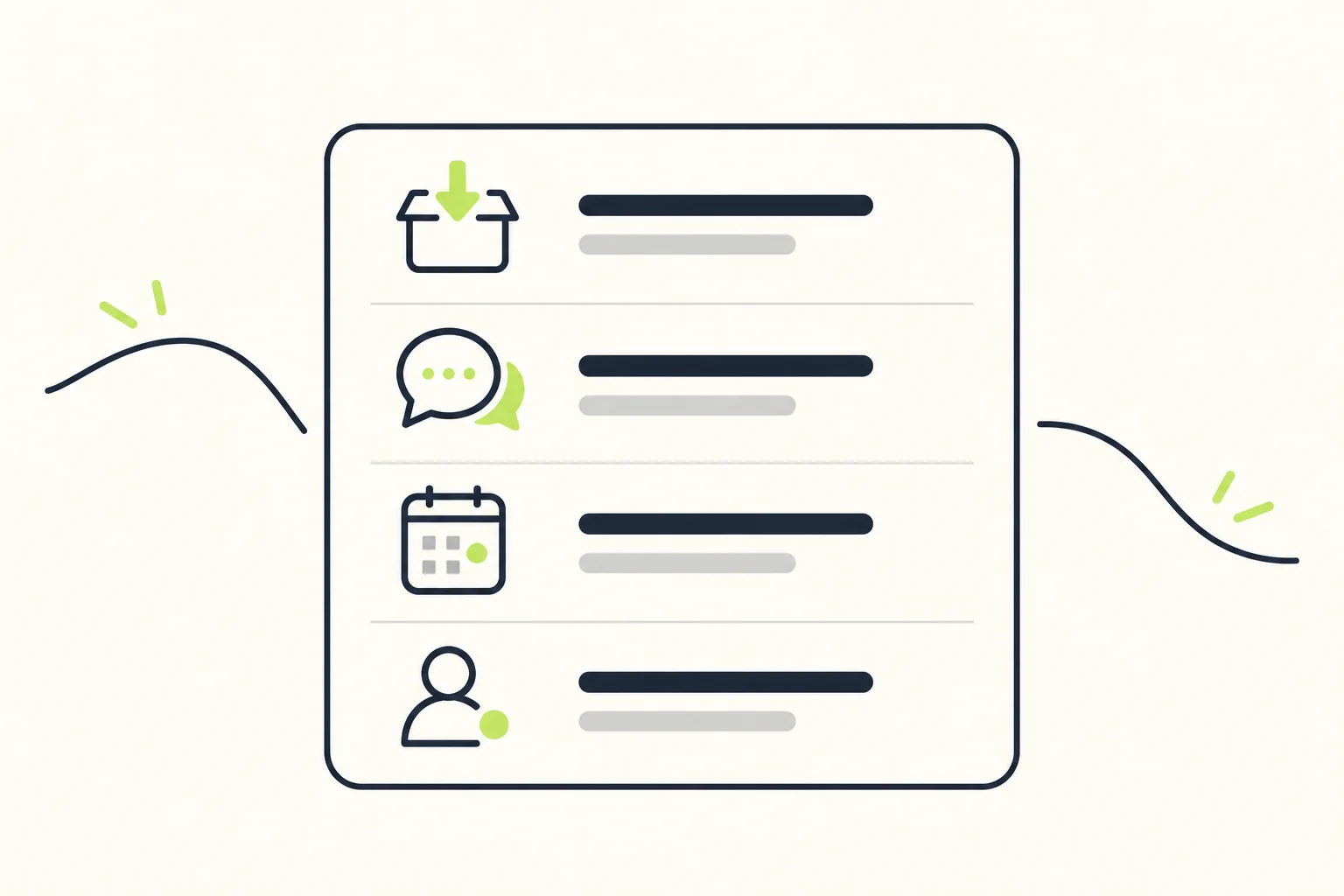
Before choosing an offer, write down:
- Required workflow: the specific action the plugin must perform, including any external service.
- Update provider and route: where releases come from and how they reach the site.
- Access conditions: which account, entitlement or download period the route requires.
- Support responsibility: who handles delivery problems, configuration and product defects.
- Expiry outcome: what changes for files, features, downloads and help when paid access ends.
- Maintenance owner: who schedules updates, checks the important workflow and keeps a recovery option.
If an answer is missing, ask for it before purchasing. Once the record is complete, you can compare GPL plugin updates and support on terms that relate to your site, then select the source that can actually deliver what you need.