Redis Object Cache Pro Review: Faster Dynamic WordPress
Redis Object Cache Pro reviewed: object caching for WooCommerce and dynamic sites, requirements, setup, monitoring, limits and GPL access.
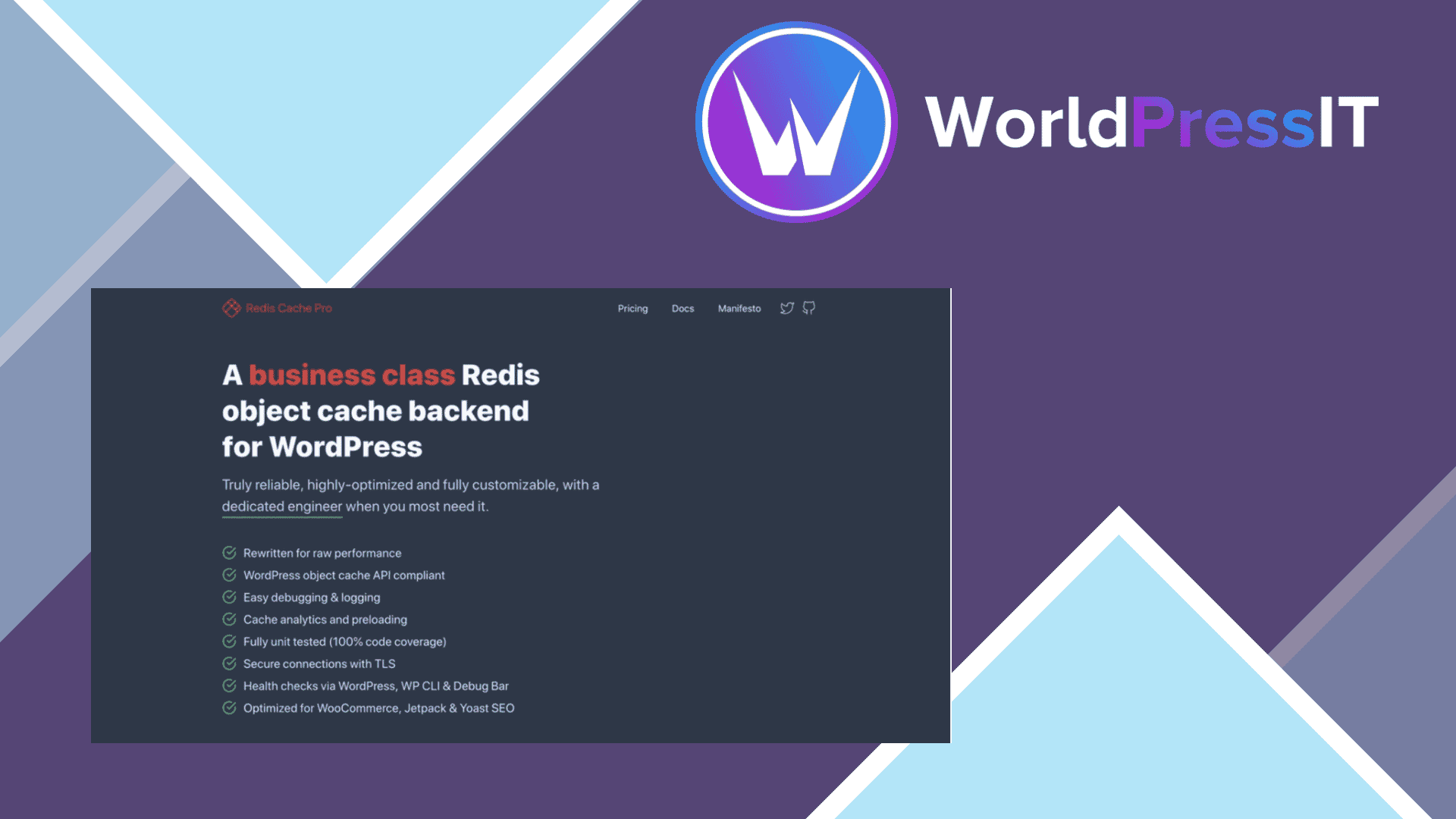
What this guide covers
Page caching cannot help logged-in users, carts or dashboards. Redis Object Cache Pro speeds up these dynamic requests by caching database queries in memory.
Confirm Redis is available, connect the plugin, monitor hit ratios, and test logged-in and checkout flows
redis object cache pro
$4.99
See vendor
Features that matter in practice
Object caching
Repeated queries are served from memory instead of the database.
WooCommerce optimisation
Dynamic store pages benefit where page caching cannot be used.
Analytics
Hit ratios and memory usage show whether caching is effective.
Reliability features
Compression, serialization and failover options support production environments.
Object caching serves a different request
A page cache sends prebuilt HTML to anonymous visitors. An object cache can help with repeated database work inside dynamic requests, such as a logged-in account page or a WooCommerce cart. Redis Object Cache Pro belongs to the latter category. Before installing it, ask the host whether a Redis service is available and which PHP extension and object-cache drop-in are already active. A plugin cannot create a Redis server out of a shared hosting plan.
Measure slow requests under realistic conditions. If PHP workers are blocked by external APIs or large image processing, faster object lookups may not be the main answer. Observe cache hit rate and memory use over time rather than relying on a single green connection indicator.
Configuration is infrastructure work
Use the vendor's configuration reference for your Redis endpoint and authentication. On shared infrastructure, isolate keys or databases so two WordPress sites do not collide. Plan what happens after a Redis restart and how to clear stale objects when code or schema changes. An existing object-cache.php drop-in may need to be removed before another caching layer can take over.
A cache miss must still produce a correct response. Test checkout, inventory updates and user permissions before and after flushing the object cache. Never assume that a higher hit ratio guarantees better performance; serving stale or incorrectly scoped data is worse than a slow query.
When it is worth the work
High-traffic shops, membership systems and large admin workloads are candidates when measured database queries are the bottleneck and the host supports Redis. For a mostly static brochure site, good page caching often matters more. Check licensing and hosting requirements carefully: Pro features, support and activation may depend on a vendor agreement, not just plugin files.
A practical acceptance check
Confirm Redis exists on your host. Isolate keys when multiple sites use one server. Measure memory and cache hit rates. Check inventory and account data after a cache flush.
Sources
Why should you choose Redis Object Cache Pro GPL?
Redis Object Cache Pro is valuable for busy WooCommerce, membership and dynamic sites on hosting that supports Redis.
Rankings and speed are never guaranteed; results depend on your site, content, hosting and competition.
Before you install Redis Object Cache Pro
- Create a full backup or staging copy before installation.
- Check the current WordPress and PHP requirements.
- Install only files from a source you trust.
- Test the main pages, forms and checkout after activation.
- Plan how you will receive and apply future updates.
The bottom line
Redis Object Cache Pro is valuable for busy WooCommerce, membership and dynamic sites on hosting that supports Redis.