
PixelYourSite Pro License: Choose the Right Tracking Setup
Choose PixelYourSite Pro by the events and platforms your business needs. Understand Free, Pro, add-ons, developer keys, renewals and the checks that make tracking useful.
A PixelYourSite Pro license makes sense when it gives your advertising setup something you actually need: TikTok events, Google Ads conversions, more precise purchase handling, or control over several tracking IDs. Buying Pro simply to add the Meta Conversions API is unnecessary for many sites, because the free PixelYourSite plugin already includes Meta Pixel and CAPI support. The useful question is which events you need to send, where they need to go, and who will maintain that connection.
For a WooCommerce owner, that starts with a specific outcome. Perhaps Meta receives purchases, but TikTok does not. Perhaps a payment completes after the customer has closed the checkout tab. Perhaps your agency needs different pixels for different parts of a client's site. These are distinct requirements, and they can lead to different packages.
PixelYourSite Pro vs Free: identify the missing capability
The free WordPress plugin supports Meta Pixel with the Conversions API, Google Analytics 4 and Google Tag Manager. Standard WooCommerce and Easy Digital Downloads events are also part of the free offering. That gives a small store a useful starting point without buying a premium license first.
Pro becomes more interesting as the measurement requirements expand. The developer's Free versus Pro comparison lists Google Ads conversion tracking and TikTok Pixel with Events API among the premium capabilities. It also distinguishes GA4's browser tag from Pro's direct Measurement Protocol support for server events. Having GA4 installed does not mean every event is automatically sent through that server connection.
Use a short requirement list before comparing packages:
| Your requirement | Starting point |
|---|---|
| Meta Pixel, Meta CAPI and standard store events | Check whether Free already covers your needs |
| TikTok Pixel and Events API | Consider Pro |
| Google Ads conversion tracking and enhanced conversions | Consider Pro |
| Several pixel IDs for the same platform | Check Pro with Super Pack |
| Pinterest tracking | Check the Pinterest add-on and package contents |
This is a better purchase filter than counting features. A store running only a simple Meta campaign may have little reason to pay for integrations it will not use. A store advertising across several platforms may value managing those connections in one place. Choose against your next real campaign, rather than an imagined future stack.
A developer license key and an advertising API token do different jobs
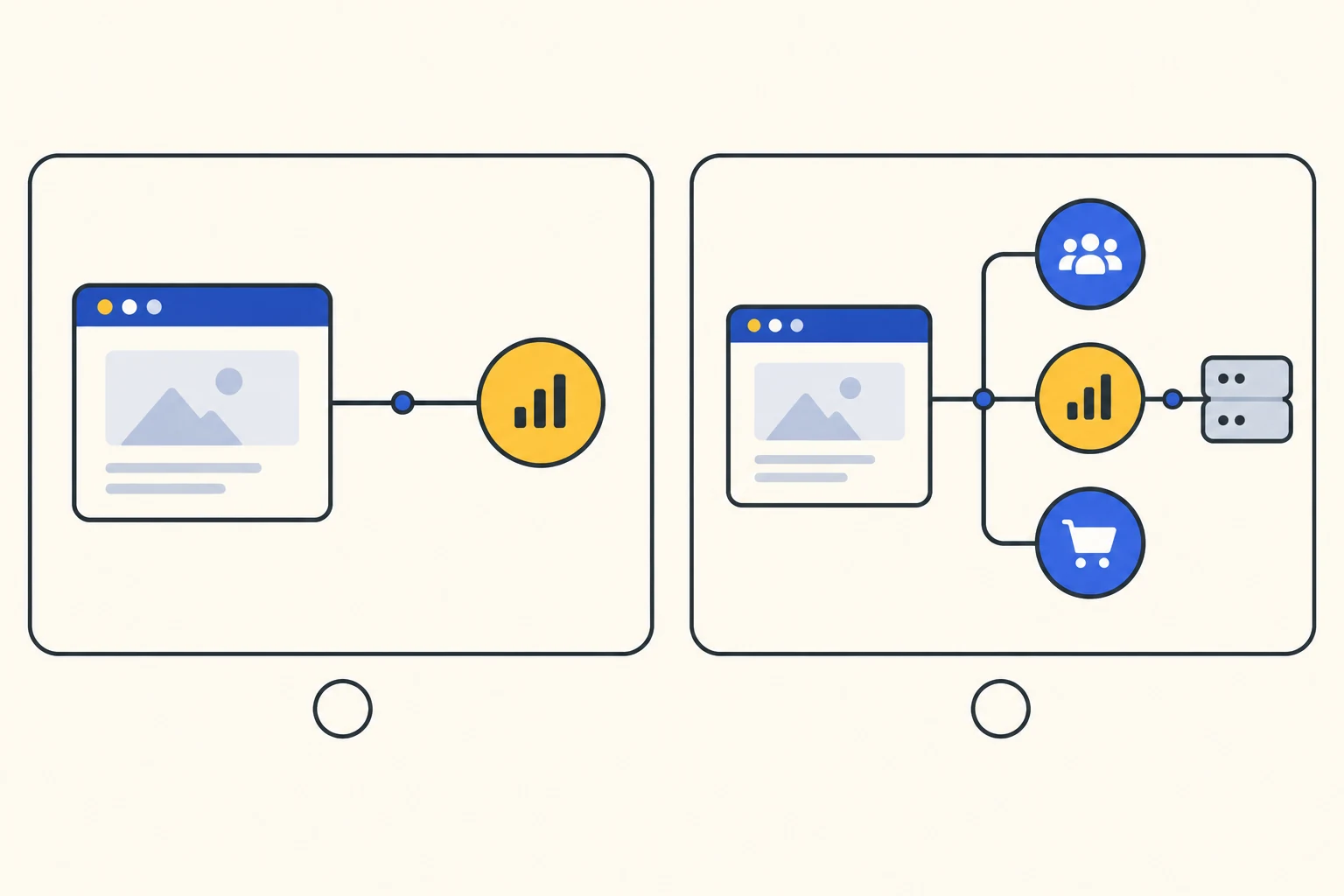
One confusing part of a PixelYourSite Pro license is that several credentials appear during setup. The developer license key belongs to your plugin purchase. In the documented installation process, you enter it under PixelYourSite's Licenses screen to activate the developer entitlement. The ZIP file and the purchase key are available through the developer account. See the official installation and activation guide.
An API access token serves a different connection. For Meta CAPI, you configure your Meta Pixel or Dataset ID and a token from the relevant Meta account. PixelYourSite then uses that configuration to send server events. The token does not replace the plugin license key, and purchasing the plugin does not create the correct advertising dataset for your business. The Meta configuration documentation explains the two tracking channels and their settings.
Treat ownership as part of the setup. For a client store, agree who controls the advertising account, who stores the developer purchase details, and who handles renewals. Record that handover in the client's documentation. This avoids a common operational problem: the tracking works, but nobody knows which account can change it when an employee or agency leaves.
Keep credentials out of screenshots and shared briefs. A useful handover names the account owner and recovery process; it does not need to expose a live access token to everyone reading the document.
Choose the site allowance and the add-ons together
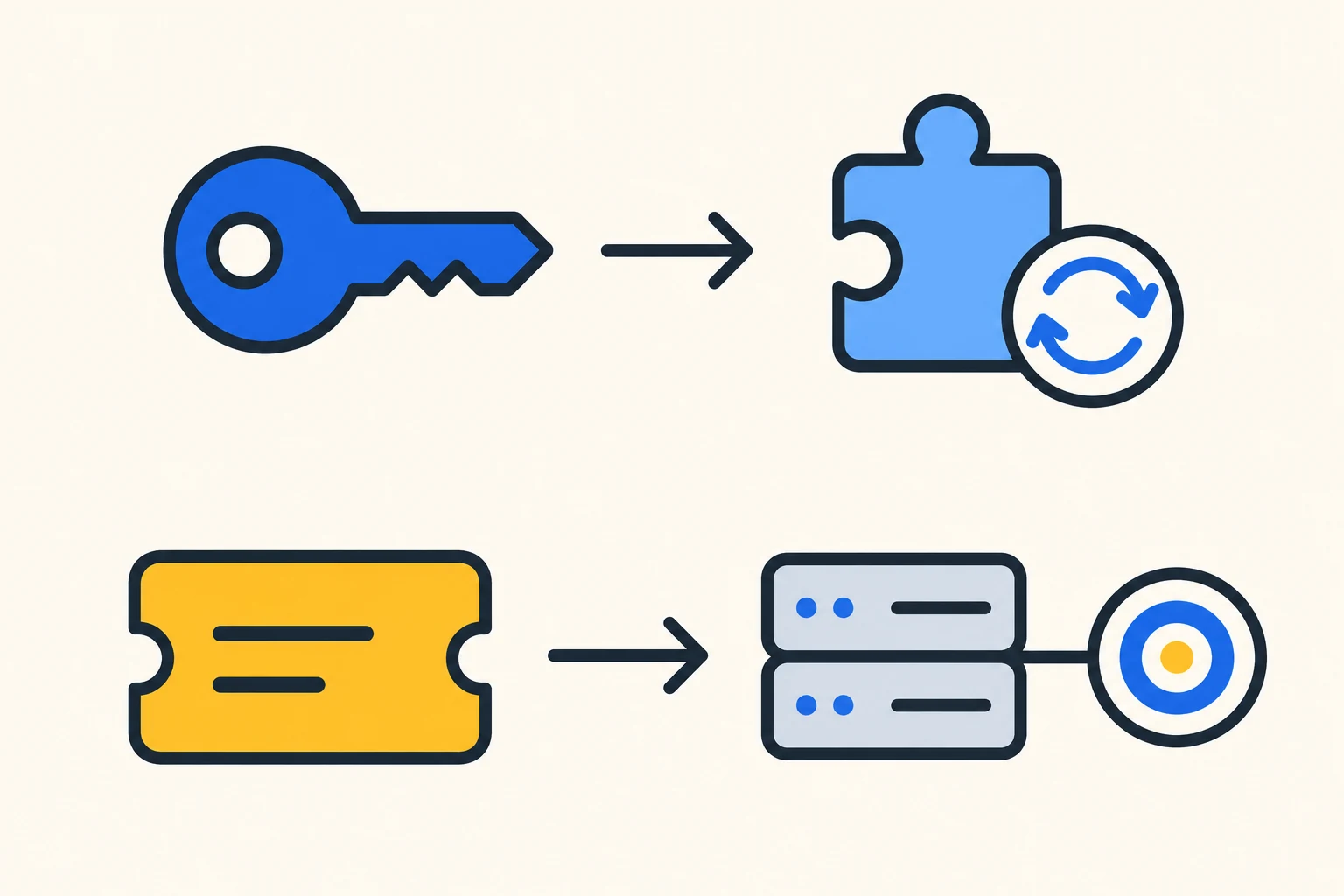
The official Pro offer distinguishes a one-site Starter license, Advanced for up to ten sites, and Agency for up to one hundred. Its Advanced and Agency packages include the Pinterest, Bing and Reddit add-ons plus Super Pack; the standard Starter package excludes those extras. Check the current offer when purchasing, because the package matters as much as the site allowance.
A single store can still need an add-on. Conversely, having many sites does not mean each site needs every integration. Start by listing the required destinations for each project and then compare the total package. This keeps the purchase tied to a practical job rather than assuming that the smallest site allowance is always the best fit.
Multiple pixels deserve particular attention. The developer's license activation documentation explains that the main plugin and add-ons have their own license fields, and some bundles use different key arrangements. When a feature depends on an add-on, keep its installation and entitlement in the same handover record as the main plugin.
For example, imagine an agency supporting three stores. Two need one Meta dataset each; the third needs several Meta IDs for separate business units. The site count answers how many installations the package covers. The third store's pixel requirement is a separate reason to check Super Pack. Writing those requirements side by side makes the decision much clearer.
PixelYourSite Pro renewal: plan for maintenance
Standard Pro licenses are sold on an annual basis. The product page says the plugin continues working on sites where it is already installed after expiry, while updates, support and activation on new sites require a valid license. That is useful flexibility, but it is not a promise of permanent compatibility with changing advertising APIs.
According to the developer's renewal documentation, purchases are normally configured with auto-renewal, which you can cancel in your account. An active subscription locks the renewal price; manual renewal uses the price current at that time. An initial discount does not carry over to renewal unless the offer specifically says so.
For a business relying on conversion data, assign a maintenance owner before the license expires. That person should know the renewal date, the platforms in use and the events that need checking after updates. The decision is not only whether the installed code still runs. It is whether someone can keep a revenue-critical connection working as the store and its advertising accounts change.
What a PixelYourSite Pro GPL offer means for your decision
A third-party package and a direct developer purchase should be compared as separate offers. If you are considering a PixelYourSite Pro GPL download, look at the actual deliverables: the main plugin, any named add-ons, the seller's update service and the support route. The presence of a downloadable ZIP does not establish that you receive a personal PixelYourSite developer account or developer-issued key.
Our GPL WordPress plugins guide explains the broader distinction between software access, updates and support. For this product, keep the comparison concrete. If your requirement is TikTok events, identify that requirement. If it is multiple pixels, identify Super Pack. Then compare offers against the same list. A low entry price is useful only when the package provides the capabilities and maintenance arrangement you intend to use.
Check the events that justified the purchase
After choosing access, start with the event that matters most to your business. A small acceptance check can reveal more than enabling every available integration at once.
For Meta, inspect the browser and server pair
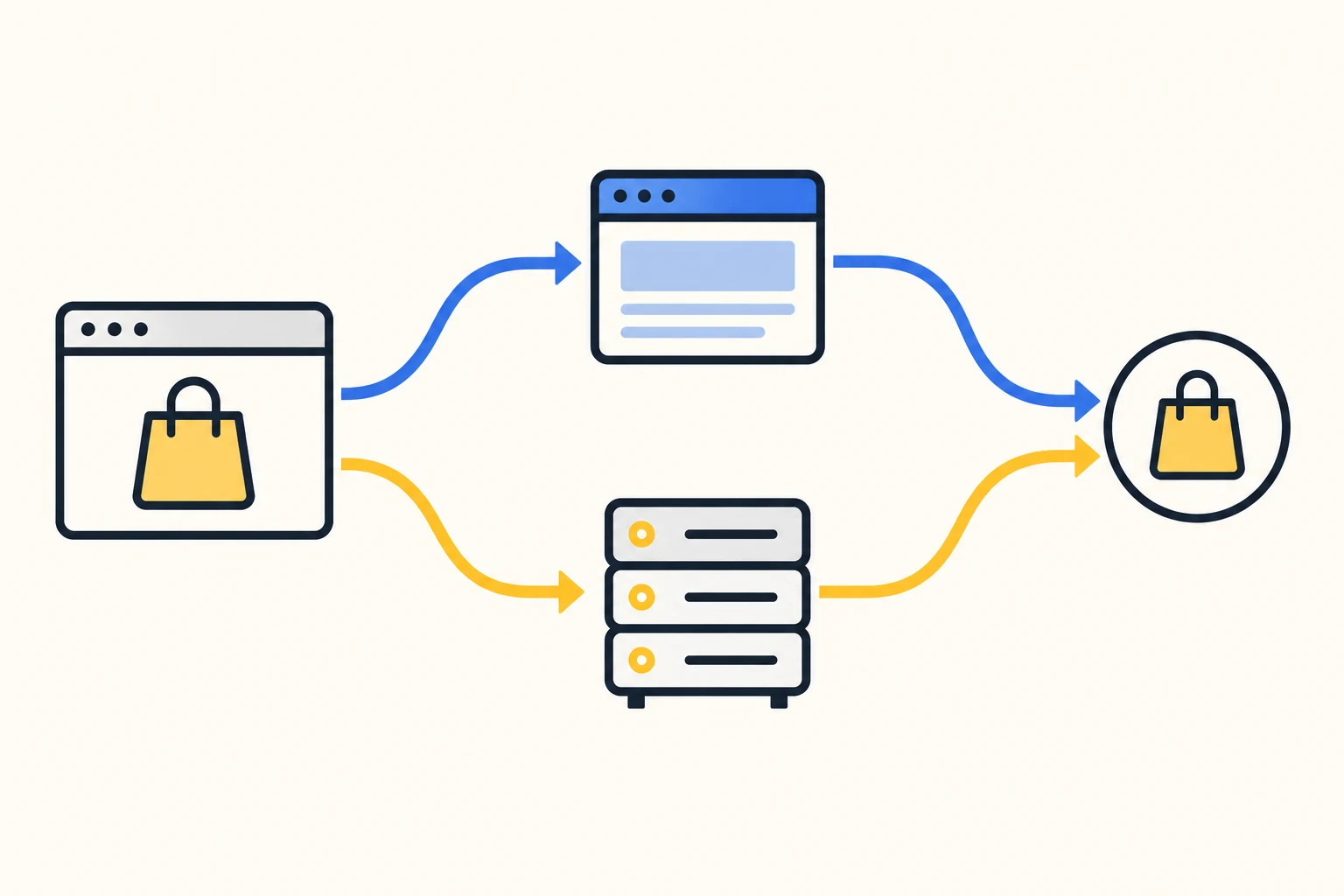
Choose one action, such as adding a product to the cart. In Meta's Test Events view, inspect the browser and server entries, their event names, parameters and event IDs. PixelYourSite's Meta documentation describes deduplication using the event name and shared event ID. The goal is one customer action represented correctly through the two channels, with the pair recognised as duplicates.
Also review who installs the pixel. The developer documents a specific integration with Facebook for WooCommerce: PixelYourSite handles tracking while the Meta extension can continue catalog and shop synchronization. That does not establish that every separate GTM tag or manually pasted script is coordinated. Make a simple list of active installers and check those additional paths yourself.
For TikTok, check its own destination
The TikTok setup guide requires a TikTok Pixel ID, an Events API access token and the API option enabled in Pro. Its test workflow uses TikTok's Test Events panel; browser activity can also be checked with TikTok Pixel Helper, while Pro's logs show server payloads.
A successful Meta test therefore cannot stand in for a TikTok test. PixelYourSite's TikTok integration uses standard event mappings, so a custom event name created for another platform may need a supported mapping. Test the action you actually intend to optimise for, and remove temporary test codes when the check is finished.
For WooCommerce, verify a completed order
Pro's Advanced Purchase Tracking provides a server-side fallback triggered by selected order statuses. It addresses cases where the ordinary purchase flow does not fire, such as a customer failing to reach the thank-you page. Each destination needs its relevant API credentials. The documented fallback checks whether the normal purchase was already sent before sending another.
Use a controlled order to compare the order ID, currency, value and destination event. Decide what the value should represent before testing: for example, whether your reporting convention includes shipping. Record that definition so the person reviewing campaigns is comparing like with like. Repeat the check for the payment route customers actually use; an on-site card payment and an off-site redirect may follow different paths.
For lead generation, use a similarly concrete success condition. The developer's form tracking guide distinguishes a generic form event from direct integrations that fire on successful submission. A button click can show intent while the form still contains a validation error. Choose the signal that matches the business result you want to count.
Finally, check the site's configured consent behaviour in both acceptance and rejection states. PixelYourSite provides consent integration options, but the actual result depends on how your tags and consent tool are connected. Include browser and server paths in that check.
Buy for the measurement job you need to maintain
PixelYourSite Pro is a stronger fit when your requirements extend beyond the free plugin's Meta and basic store tracking: additional advertising destinations, advanced purchase handling, richer events or an add-on-dependent setup. A simpler site can begin with Free and upgrade when a specific limitation appears.
If your main need is interpreting GA4 reports inside WordPress, the MonsterInsights Pro review covers that different decision. Here, write down the required destinations, the important events, the add-ons and the maintenance owner. Those four details give you a practical basis for choosing a PixelYourSite Pro license and checking that the resulting setup serves your business.