
MonsterInsights Pro Review: Better GA4 Decisions in WordPress?
Evaluate MonsterInsights Pro for GA4 reporting, WooCommerce purchases and form activity, with practical setup checks, costs and alternatives.

A WooCommerce store can attract more visitors while selling fewer products. A contact page can receive steady traffic while producing poor leads. MonsterInsights Pro is useful when the person responsible for fixing those problems needs Google Analytics reports inside WordPress, alongside the content and products they manage.
This MonsterInsights Pro review evaluates that workflow: what the plugin adds, which reports deserve attention, and when its recurring cost makes sense. Our view is straightforward. Pro is a strong candidate for stores and lead-generation sites that will regularly use its ecommerce, form and custom-dimension reports. A small site checking only visitors and popular pages should start with a simpler option.
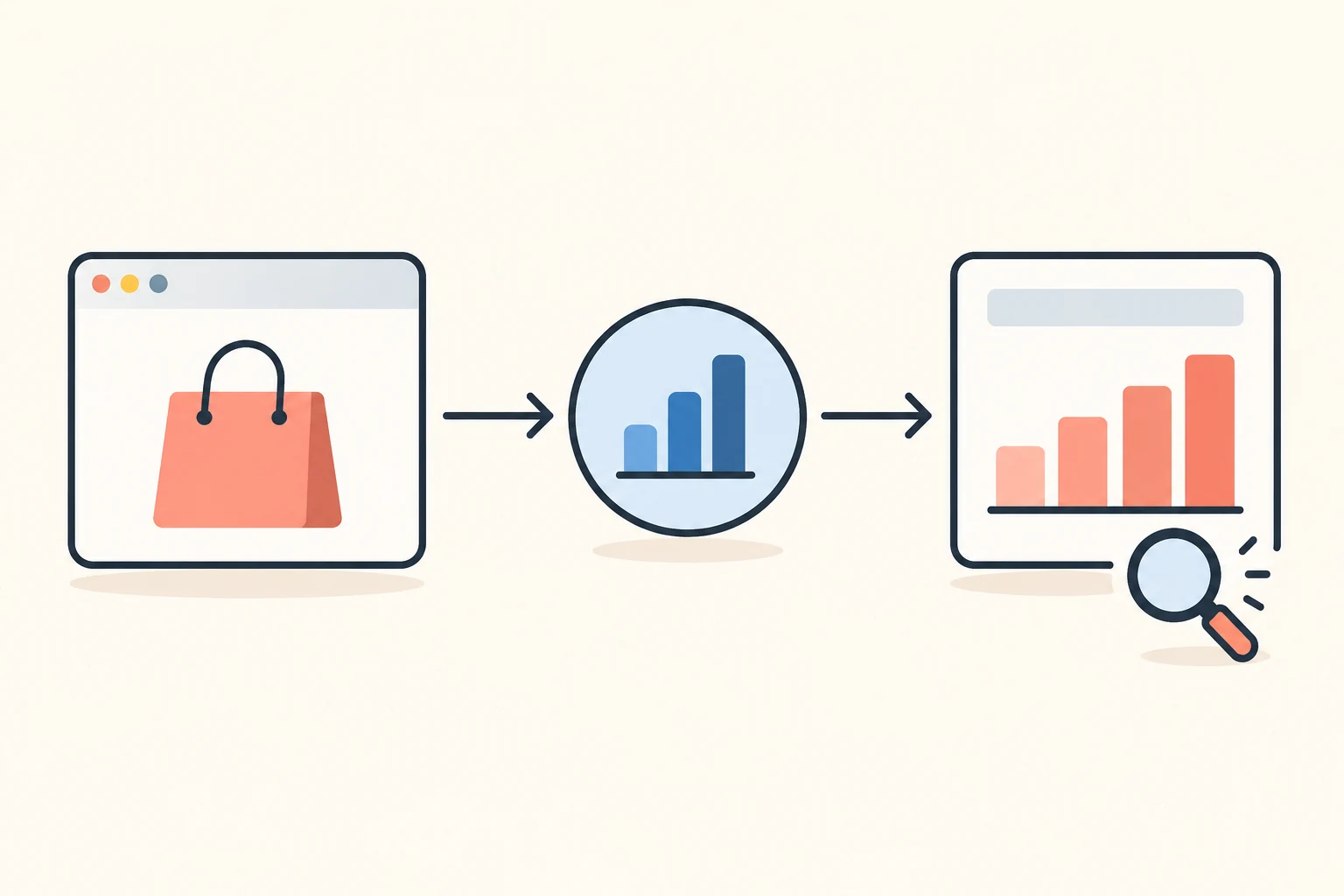
What MonsterInsights does between your site and GA4
MonsterInsights connects a WordPress website to Google Analytics and brings selected reports into the WordPress dashboard. Google Analytics remains the measurement platform. Your store remains responsible for its product catalogue, orders and payments. The plugin connects those activities to a more accessible reporting workflow.
That separation helps you judge its value. Installing an analytics dashboard does not improve a checkout, change product descriptions or decide which campaign deserves more budget. It makes information easier to collect and consult, so someone can make those decisions.
Start with one question: which decision would become easier if this report were available beside the site editor? For a shop, that might be identifying products that receive attention without purchases. For a service business, it could be comparing the campaigns that lead to contact-form activity. For a publisher, it might be finding content that attracts readers who continue exploring the site.
The developer documents different report availability by plan. The basic Overview is available across editions; ecommerce, forms and custom dimensions require Pro or higher. See the official report guide before choosing a subscription from a feature name alone.
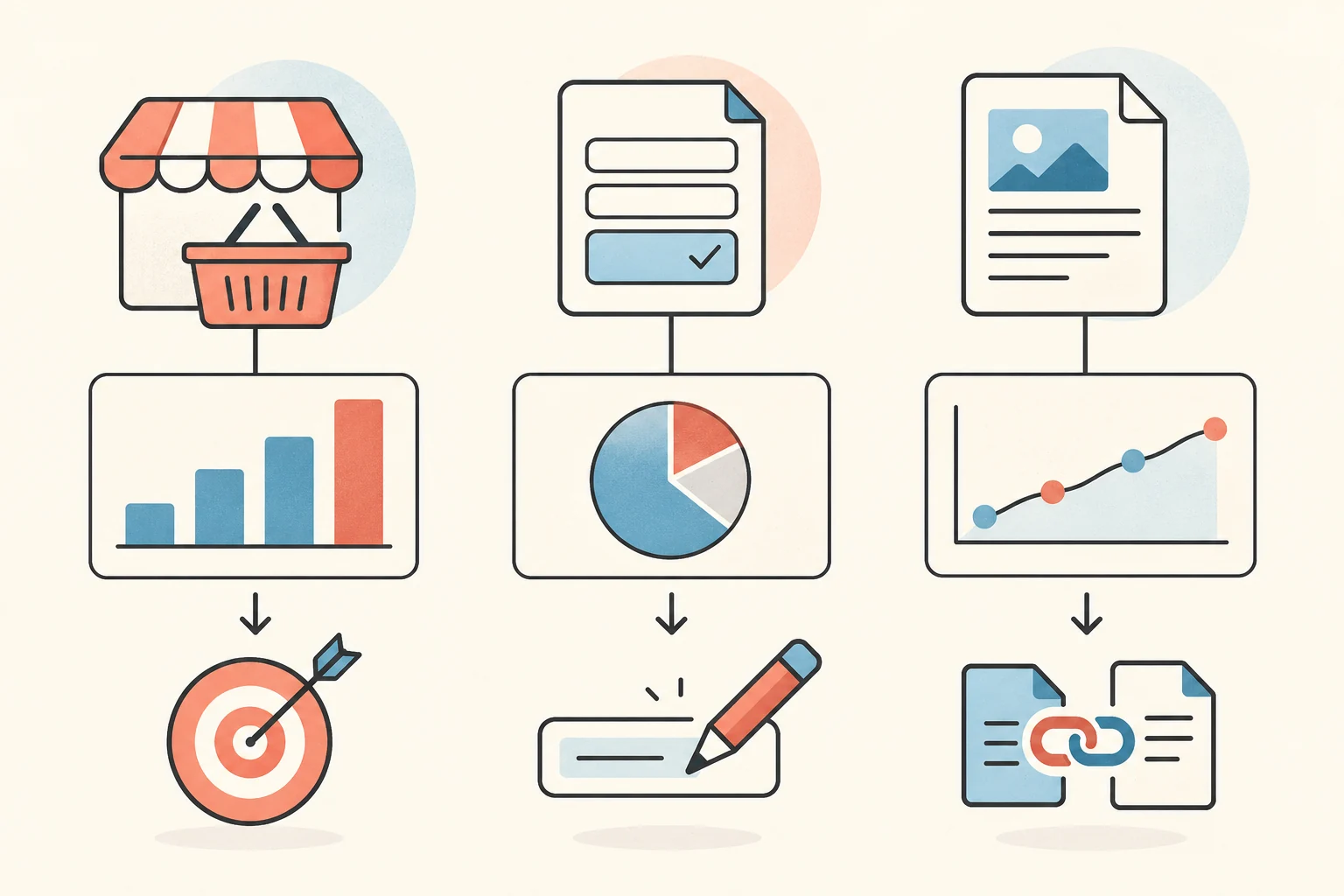
Three MonsterInsights Pro features worth putting to work
Ecommerce reports: connect acquisition to purchases
MonsterInsights WooCommerce analytics makes the most sense when your team needs a practical view of recorded shopping activity. Its ecommerce integration supports WooCommerce and several other commerce and membership tools. The eCommerce addon guide describes activating the addon after installing MonsterInsights and connecting Google Analytics; access requires Pro or higher.
Consider a hypothetical shop selling desk accessories. A social campaign may produce many product visits, while an email campaign produces fewer visits and more recorded purchases. The useful response is to inspect the landing pages, audience and offer for each campaign. Increasing social spending simply because its visitor count is larger would miss the commercial question.
Use the reporting to form a testable explanation. Is the campaign attracting shoppers who want a different price point? Does its landing page hide delivery information? Is a product unavailable in a frequently selected variation? The report points to an investigation; it does not establish the cause by itself.
Keep your order system as the financial reference. Compare a known transaction with analytics before trusting a revenue trend. Collection conditions, reporting dates and the definition of revenue need to be understood before comparing two totals.
Form reports: measure activity, then check lead quality
The Forms report shows impressions, conversions and conversion rate, with breakdowns by source/medium or campaign. The official Forms report documentation explains where to find it and what its columns contain.
A consultancy can use that view to compare two enquiry forms or investigate a campaign that brings visits without form activity. Check the page on mobile, inspect the required fields and verify that the form works before changing advertising. A confusing field or broken confirmation can matter more than another landing-page headline.
Treat a recorded form conversion as an analytics event, then reconcile it with actual form entries and the sales process. It is not automatically a qualified lead, a successfully delivered email or a new customer. If the task is designing conditional fields and notifications, our Gravity Forms review covers the form-building side of that workflow.
Custom dimensions: ask a question that matches your content
Custom dimensions can give WordPress-specific context to reporting. For example, a publication may want to compare content categories or authors rather than inspect an undifferentiated list of URLs. The developer's report guide notes that dimensions need configuration in both MonsterInsights and Google Analytics.
Choose the question before adding the dimension. If an editor wants to compare buying guides with tutorials, agree on how those content groups are assigned and what action will follow. Otherwise, extra columns create more maintenance without improving a decision.
| Business question | First check | Practical follow-up |
|---|---|---|
| Which campaigns bring recorded purchases? | Ecommerce and acquisition reports | Inspect the offer and landing page before changing spend |
| Which forms attract activity? | Form impressions and conversions | Compare actual entries and lead quality |
| Which content groups support the site's goals? | Configured dimensions and engagement | Review comparable pages and choose a specific editorial change |
Keep one question, one responsible person and one next action attached to each recurring review.
MonsterInsights Pro vs Lite: buy the reporting you need
Choose Lite when your immediate need is a basic analytics connection and an overview inside WordPress. Learn which questions remain unanswered before paying for a larger reporting toolkit. An unused dashboard has little operational value, however many features it includes.
Plus sits between the basic edition and Pro. It is worth considering for a publisher or business that needs broader standard reporting but does not need Pro's ecommerce, forms and custom dimensions. Verify the current comparison rather than assuming every paid plan contains every addon.
Choose Pro when those advanced reports solve a recurring task. A store manager reviewing acquisition and purchases each week has a clearer use case than a brochure-site owner who logs in once a quarter. An agency should also consider who maintains the Google connection and who checks whether tracking still works after a redesign.
Pro does not replace an SEO plugin. Search metadata, redirects and structured data belong to a different workflow; our Rank Math Pro review explains that distinction. Nor does this review attempt to cover a complete advertising-pixel or server-side conversion setup.

A launch check before relying on the numbers
An easy installation still needs verification. Use this acceptance sequence on a safe test setup, with an appropriate purchase or enquiry that you can identify afterwards.
- Record the destination. Confirm the Google Analytics property and data stream. Keep account ownership with the business, and record who can reconnect it if the person configuring the plugin leaves.
- Assign one tracking owner. Check whether a theme, another plugin or Google Tag Manager already sends events to the same property. The developer's duplicate-tracking guide lists common places to inspect. Preserve unrelated tags and integrations while resolving duplicate collection.
- Enable the relevant addon. Connecting GA4 and activating ecommerce or forms tracking are distinct steps. Review the current instructions for the feature you intend to use.
- Test as a visitor. Use a logged-out browser session. MonsterInsights excludes logged-in users by default, according to its tracking-code verification guide. Check the site's actual consent choices and confirm the intended behaviour for each state.
- Trace a known action. Complete the chosen action, inspect the available analytics evidence, and compare it with the corresponding order or form entry. Allow for report processing rather than repeatedly triggering new transactions to fill a dashboard.
- Repeat after material changes. Recheck after altering checkout, forms, consent configuration or script optimization. Save what was checked so a later change can be investigated against a known baseline.
There is a significant Google Tag Manager exception. MonsterInsights provides Advanced Tracking Settings for using an existing GTM setup with its reporting. Activating that mode disables MonsterInsights tracking, including its ecommerce, forms and custom event collection. Do not expect the plugin's automated collection to continue alongside that configuration; the GTM implementation must supply what you need.
This is also why a privacy-related addon should be evaluated as part of the site's configuration. Its name does not prove that a particular consent banner, tag setup or data collection practice meets every applicable requirement. Verify technical behaviour instead of treating an installed checkbox as the end of the work.
Revenue reports need a definition, especially for subscriptions
A subscription store has an extra question: are you measuring customer acquisition or recurring billing? Those are different activities. A renewal can happen without a fresh shopping session, so mixing it into acquisition analysis can change what a campaign appears to have achieved.
MonsterInsights documents that its ecommerce addon excludes automatic subscription renewals by default and discourages re-enabling them for this type of analysis. The renewal-order tracking explanation describes the distinction. Use billing and order records for the complete recurring-revenue picture.
Before comparing reports, write down the date range, reporting time zone, currency and which transaction types are included. Investigate individual examples before concluding that a difference between systems means the plugin is broken. For the operational side of recurring orders, see our WooCommerce Subscriptions review.
Cost: compare the renewal, not just the opening offer
The official pricing page lists Pro at US$199.50 per year as an introductory offer, with US$399 as the normal annual price, for five sites. Renewals are charged at full price. Check the current price and subscription terms before purchasing.
For example, at US$399 per year, the subscription averages US$33.25 per month. If your business values reporting time at US$40 per hour, saving about 50 minutes per month would match that annual cost.
There is also a service condition that matters more than the download price. The MonsterInsights licensing FAQ says an active licence is required for tracking and reports. Budget for the ongoing service, rather than assuming that only updates stop after expiry.
WPPerks lists a MonsterInsights marketplace offer. The linked seller's package is a separate proposition from a direct developer subscription. Confirm the active service entitlement, addons, updates and support included in that particular offer. A redistributed plugin file does not by itself establish access to the developer's connected services. Our GPL WordPress plugins guide explains the distinction between software access and accompanying services.
Alternatives: compare the whole workflow
Google Site Kit is a credible starting point for site owners who want Google's WordPress integration. Its current plugin conversion-tracking documentation lists supported integrations including WooCommerce, Easy Digital Downloads and selected form plugins. It would be inaccurate to dismiss it as a tool that cannot track commerce or forms.
Compare the reports your team will actually consult, the supported events for your plugins and the work required to validate them. MonsterInsights Pro earns consideration through its curated WordPress reporting workflow, rather than an assumption that useful conversion measurement always requires this subscription.
A managed GA4 and Google Tag Manager implementation is another route when a developer already owns the measurement plan. That can offer flexibility, but someone must maintain the event definitions, consent integration and checks. Google Analytics itself also remains available for deeper investigation beyond the WordPress dashboard.
Choose MonsterInsights Pro when the reports have a named user and a recurring purpose. Start simpler when your questions are basic. Before buying, list three decisions you expect to make, confirm the necessary reports and service access, and plan the test that will establish whether your data can support those decisions.