Duplicator Pro Review: Migrate and Clone WordPress Sites
An honest Duplicator Pro review covering site migration, cloning, scheduled backups, cloud storage, limitations and GPL access.
What this guide covers
Moving a WordPress site between hosts or domains is risky without the right tool. Duplicator Pro packages the whole site so it can be migrated, cloned or restored in a controlled way.
Build a package, store it remotely, run the installer on the destination, then verify URLs, permalinks and caches
duplicator pro
$4.99
See vendor
Features that matter in practice
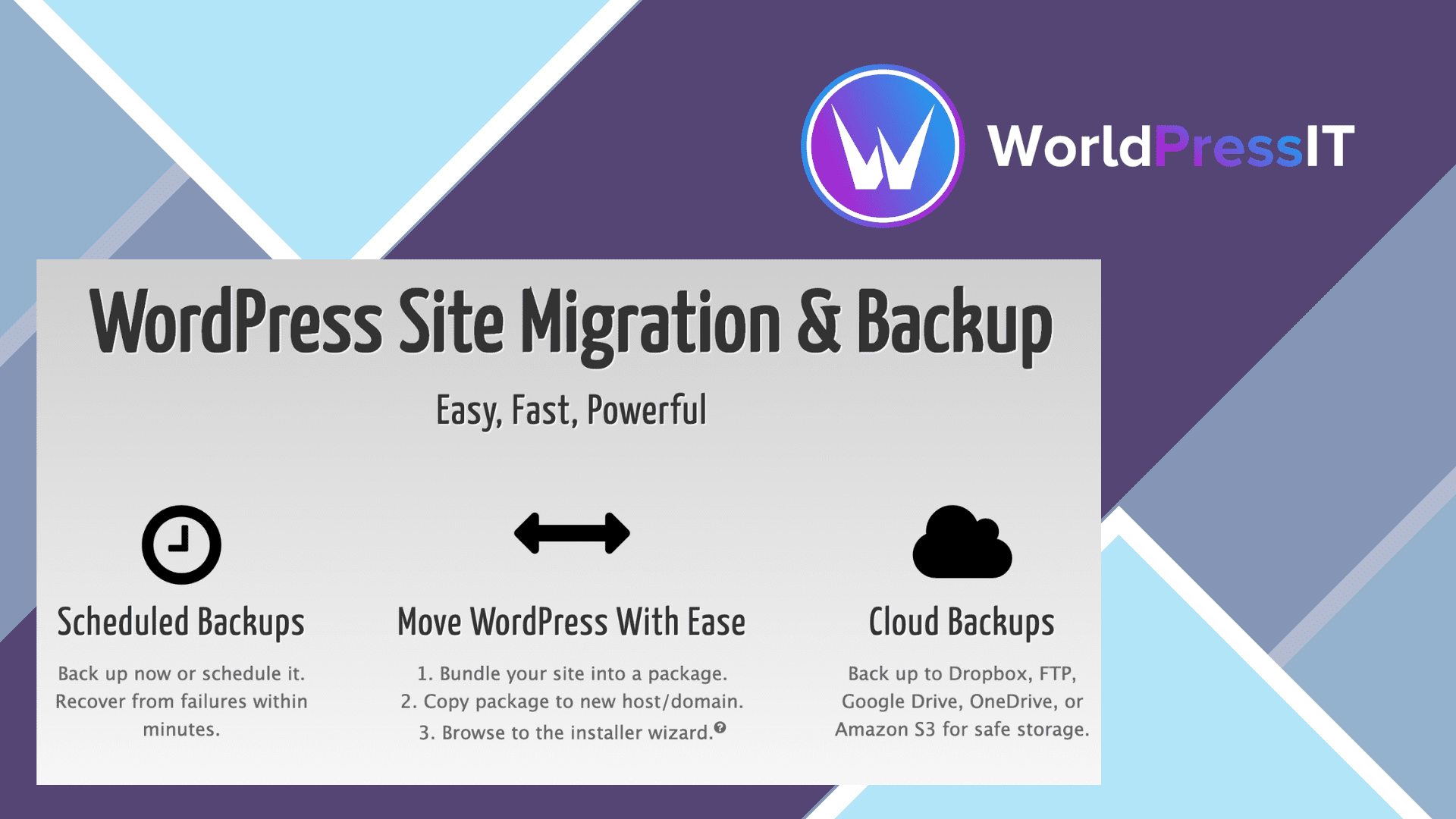
Site packages
The whole site becomes one archive plus an installer, which simplifies moves between servers.
Scheduled backups
Automatic packages can be sent to cloud storage on a regular schedule.
Cloud destinations
Dropbox, Google Drive, Amazon S3 and FTP destinations keep copies off the server.
Large site support
Server-side archiving and database options help with sites that exceed simple upload limits.
A package is a moveable snapshot
Duplicator Pro creates a package of site files and database content that can be installed at a destination. Before building it, calculate what is actually inside the site: a large uploads folder and an old staging directory can turn a manageable migration into a huge archive. Exclude only content you can replace safely. Store the package away from public web access, since a database archive can contain users and other private information.
Prepare the destination before starting: check available disk space, PHP limits and database credentials. A site may install successfully yet still display the old domain in links or embedded content. After the move, inspect login, media, forms, scheduled jobs and a checkout if relevant. Keep the old site available until these checks pass.
Backups are not the same as disaster recovery
Scheduled packages and remote storage are valuable only when the archive can be retrieved and restored. Make a recovery point before a significant update, then rehearse restoring a copy somewhere isolated. Do not put the only backup on the same hosting account you intend to recover from. Archive encryption and cloud storage have separate configuration and credential considerations.
Large sites often run into extraction timeouts or archive limits on shared hosting. Test the packaging mode against the actual server instead of assuming a successful small demo scales to a media-heavy store. A server-to-server transfer may avoid downloading a file to your laptop, but it does not remove destination constraints.
Choose it for repeatable migrations
Duplicator is especially useful when an agency frequently moves sites or deploys a known starting point. If all you need is a nightly recovery copy, compare a dedicated backup solution and your host's snapshots. After any migration, preserve a written record of the cutover, DNS changes and a rollback path; the plugin handles transport, not the decision about when to send visitors to the new server.
A practical acceptance check
Calculate archive size against server limits. Keep the archive away from public downloads. Test media and scheduled jobs on the new host. Retain a rollback path until traffic has settled.
Sources
Why should you choose Duplicator Pro GPL?
Duplicator Pro is ideal for agencies and developers who migrate or clone sites often and want backups in the same workflow.
Rankings and speed are never guaranteed; results depend on your site, content, hosting and competition.
Before you install Duplicator Pro
- Create a full backup or staging copy before installation.
- Check the current WordPress and PHP requirements.
- Install only files from a source you trust.
- Test the main pages, forms and checkout after activation.
- Plan how you will receive and apply future updates.
The bottom line
Duplicator Pro is ideal for agencies and developers who migrate or clone sites often and want backups in the same workflow.