iThemes Security Pro License: A Guide to Kadence Security
Discover Kadence Security account protections, Pro team policies and security visibility, with an explanation of affordable GPL access.
An iThemes Security Pro license is worth considering when you want stronger WordPress account protection, consistent security policies and a clearer view of your site's security events. The product previously became Solid Security and is now branded Kadence Security. Its appeal is practical: bring several useful protections into one plugin and give your team a manageable way to use them.
For a business website, the most valuable features are often the ones people use every day. Two-factor authentication helps protect administrator accounts. Trusted-device controls help manage unfamiliar sessions. Vulnerability information gives you a clearer starting point for keeping installed software maintained. Pro adds policy controls that become especially useful when several people work on the same site.
A GPL purchase offers an affordable way to obtain the plugin software without buying the original developer's direct support package. Below, we explain the features, the value of the GPL model and a straightforward approach to putting the plugin to work. This guide is based on developer documentation and public purchase information reviewed on 5 October 2026.
WPPerks may earn a commission from purchases made through its affiliate links, at no additional cost to you. Purchases take place on WorldPressIT; WPPerks is an independent publisher.
What iThemes Security Pro adds to a WordPress site
The plugin brings account protection, security policies and event information together inside WordPress. That is useful for an owner who wants a consistent setup across administrators, editors and people helping with maintenance. Instead of treating security as a collection of separate settings, you can organize it around how the site actually operates.
The name change does not require an existing customer to buy another subscription simply to follow the new branding. The official product transition announcement explains that existing customers can retain their current plan and tools. For someone discovering the plugin today, Kadence Security is the current product name to recognize in the developer's materials.
The developer's security overview highlights two-factor authentication, brute-force protection, file-change detection and vulnerability-related protection. These features address different parts of the same job: protecting access, seeing relevant changes and maintaining the software the site depends on.
For a small company, that means the owner can give account policies a clear home. For a freelancer, it means a repeatable approach to setting up sites with several contributors. For a content team, it means useful protection can fit the normal publishing workflow rather than becoming another application everyone has to learn.
Stronger account protection for everyday WordPress work
Two-factor authentication with policies your team can follow
Two-factor authentication adds another step to signing in, using a method such as an authenticator app, email or recovery codes. Basic two-factor authentication is available in the free edition. Pro's extra value is the ability to require it for a user group and use Remember This Device, as described in the official 2FA guide.
For a website with several administrators, a group policy makes the setup consistent. The owner does not have to rely on each person remembering to enable the same protection independently. Administrators can follow one enrollment process, while other contributors receive the policy appropriate to their role.
Remember This Device can make regular sign-ins more convenient on a familiar device. Recovery codes provide another way to complete authentication when the usual method is unavailable. Together, the policy and recovery options help make two-factor authentication a routine part of working on the site.
Email delivery is part of that experience when email authentication or account notifications are enabled. A dependable mail connection helps enrollment and recovery messages arrive where people expect them. The WPPerks WP Mail SMTP guide covers that supporting part of the setup.
Trusted devices and useful account notifications
Trusted Devices adds context to an administrator's session. The developer's guide describes administrator restrictions for unrecognized devices, login notifications and session-hijacking protection. This gives a team a more structured way to handle access from a new computer or location.
For an owner who works on a desktop and a laptop, familiar devices can be part of a convenient daily workflow. When a new device is introduced, the recognition and notification process gives the account holder a clear action to complete. The benefit is organized access management, with device information alongside the user account.
These controls are particularly useful for teams that share responsibility for a site while keeping separate accounts. An owner, editor and developer can each work through their own account and authentication method, making permissions and notifications easier to understand.
Vulnerability protection and a clearer view of site activity
The plugin's vulnerability protection documentation describes checks against Patchstack's vulnerability information and prioritization of findings. That helps an owner or maintainer see which installed software deserves attention and organize the next maintenance task.
Virtual patching, where included and licensed, can add protection while a software fix is being prepared. The practical benefit is another layer within the site's maintenance routine. Account-connected services such as the Site Scanner and separately licensed Patchstack functions follow their own activation requirements, explained in the licensing documentation.
Security logs also make the plugin useful beyond its initial setup. The official logs guide explains how to inspect events and their details. Having that information in the dashboard can make it easier to answer ordinary maintenance questions, such as when an account event happened or which activity needs a closer look.
For a team, the useful routine is simple: one person reviews relevant alerts, records the action taken and keeps the site maintained. The plugin supplies information and controls that support that process. A clear owner for those tasks helps the team get continuing value from its security setup.
Why GPL makes the plugin more affordable
GPL is the open-source license under which eligible WordPress software can be used, modified and redistributed. The GNU GPL explains those permissions and conditions. A marketplace can distribute GPL-covered software through a shared purchasing model, bringing the cost of obtaining the plugin down substantially.
The lower price does not turn the software into a different lite edition. The GPL model concerns the way the code is licensed and distributed. It does not, by itself, weaken the account protections implemented in that code or require those protections to be removed. That is why GPL access can be attractive when your priority is the installed plugin's capabilities.
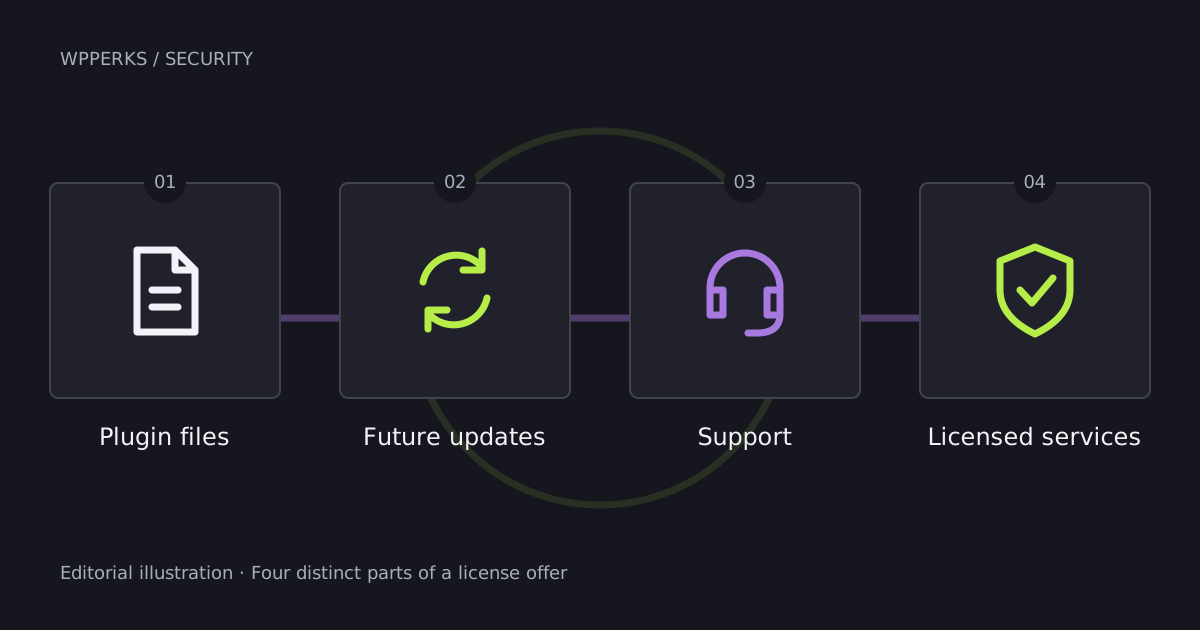
The main practical difference is the support arrangement. A developer subscription can include direct help from the original product team. A GPL marketplace purchase focuses on supplying the software and its own download service, without that original developer support package. The marketplace's explanation describes redistribution and the exclusion of premium developer support as reasons for its lower prices.
For an experienced WordPress user, freelancer or team with its own technical help, this can be a useful trade-off. You can put more of your budget into the website itself while obtaining the plugin code through the GPL model. Choose this route for the software benefits you intend to use; developer-account services remain separate from the license to the code.
What you receive with a GPL purchase
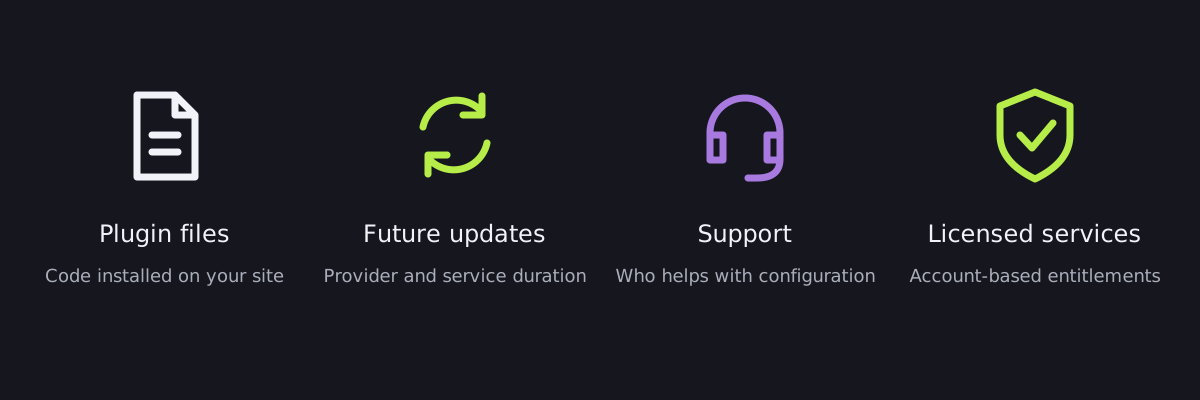
The practical starting point is a downloadable plugin package that you install in WordPress. After purchasing, your marketplace account provides a central place for the order and its available downloads. Updated packages included with your selected purchase option are supplied through that service, so your account is also the place to return for those downloads.
Once installed, the plugin becomes part of your WordPress workflow. You can organize the available account settings, enroll users and work with its security information from the dashboard. GPL access is particularly appealing if you already know how to install and maintain WordPress plugins and prefer to handle routine configuration yourself.
This model also separates the cost of the software from the cost of personal assistance. A business with an existing developer may already have the help it needs. A freelancer managing client sites may prefer to apply the same familiar configuration process across projects. In either case, paying for the software route that fits the team's working style can be more useful than buying a wider service package by default.
An iThemes Security discount without a coupon hunt
If you are looking for an iThemes Security discount or a SolidWP coupon, a GPL marketplace price offers another way to lower the purchase cost. The product offer reviewed for this guide displayed a $4.99 starting price. That gives readers seeking Solid Security Pro cheaply a direct purchase route rather than making the decision depend on finding a promotional code.
Keep the comparison focused on what your site will use. A current developer package may contain several other tools alongside security, while an individual GPL product purchase concentrates on this plugin. For a site that already has its theme, page builder and backup solution, the individual purchase can make the budget easier to allocate.
The most useful question is which Pro features will improve the way your team works. Enforced two-factor policies, device controls and security visibility are tangible benefits. If those are the functions you need and you already have help with WordPress maintenance, affordable GPL access is a practical option to consider.
A straightforward setup for a small team
For a hypothetical business site with an owner, an editor and a developer, start with the people who use the site rather than enabling every available setting at once. A simple rollout can make the plugin's benefits easier to adopt:
- Keep a complete site backup available before changing the configuration.
- Install the plugin and choose the account protections relevant to the site's users.
- Enroll the owner in two-factor authentication, choose a convenient method and store the recovery codes securely.
- Give editors and administrators the permissions appropriate to their work, then apply the intended group policies.
- Complete the trusted-device workflow on the computers the team normally uses and confirm that account emails arrive.
- Assign a maintainer to review useful security events and obtain the updates included with the site's purchase arrangement.
This is an example workflow based on the documentation, rather than a claim that we performed a hands-on test. It connects the plugin's features to a realistic team: the owner controls access, the editor publishes content and the developer manages maintenance.
Backup and recovery complement the account protections. A complete backup includes the database and the site's files, making it useful for routine maintenance as well as recovery. The WPPerks UpdraftPlus Premium guide explains that part of a WordPress site's toolkit.
Put the plugin's protections to work
GPL access makes the installed software more affordable by separating it from the original developer's direct support package. For readers who want those plugin capabilities and can manage their WordPress setup, that is a straightforward reason to explore this purchase model.
Explore the Kadence / Solid Security Pro GPL offer on WorldPressIT and choose the purchase option that fits your site's needs.